Edits Film Festival 2026: Make a Cinematic Reel on Your Phone
Create a cinematic Reel from everyday footage with a four-shot plan, sound tips and caption template. Check the Edits Film Festival’s October 8 deadline.
You do not need a dramatic location to make a short film. A potter correcting a clay cup, a tailor finishing a seam, or a shopkeeper opening for the morning can give you a complete visual story. The useful starting point is a small change the viewer can see.
That idea has a timely connection: Meta’s Edits Film Festival invites creators in India to turn everyday footage into cinematic Reels. Its announcement lists 8 October 2026 as the closing date. This guide, checked on 20 September 2026, pairs the official entry information with our own practical shooting exercise. The exercise works even if you are not entering.
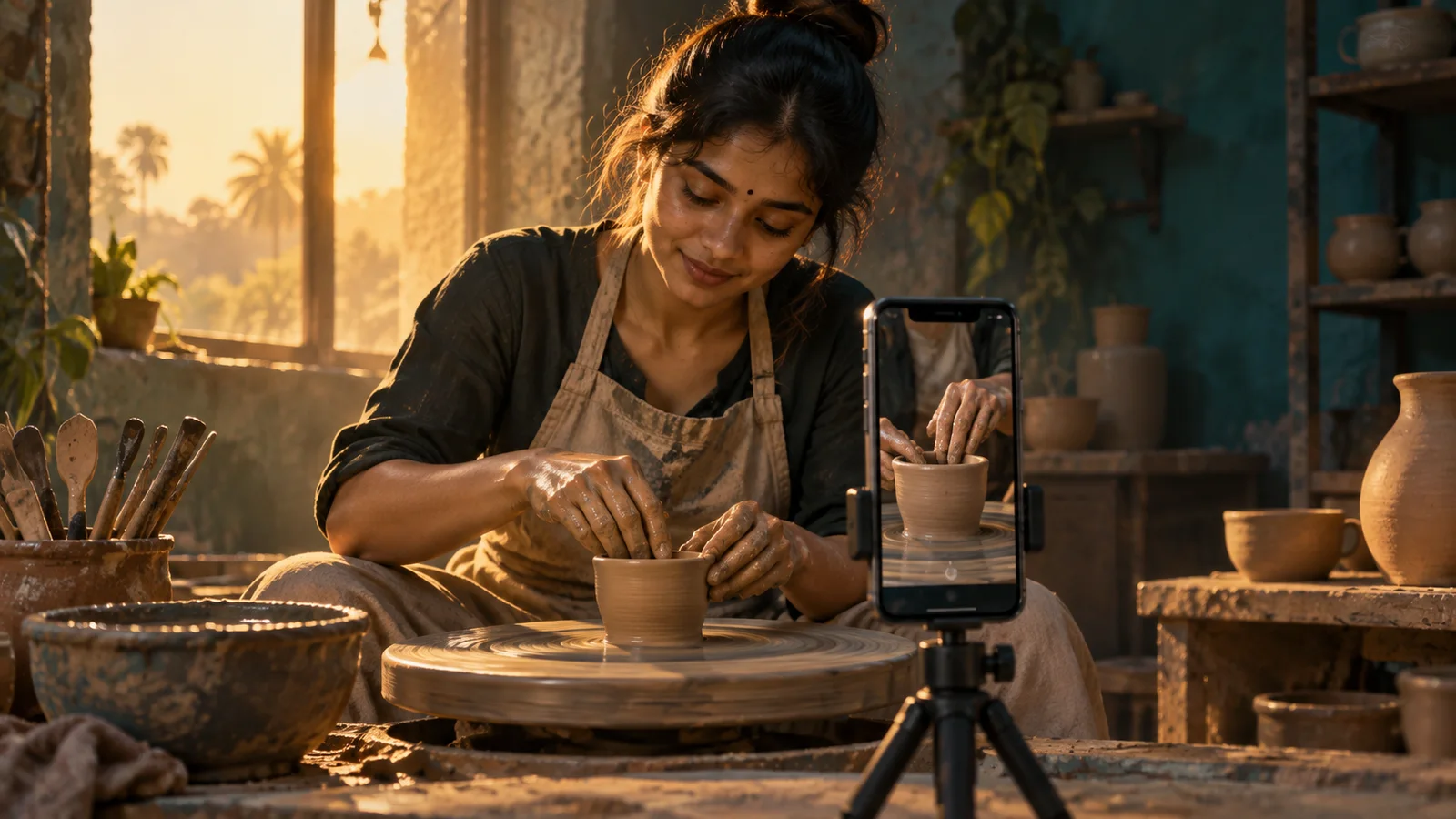
Original AI-generated editorial illustration for KuchhBhi. This is a fictional scene, not an actual festival participant or submission.
What is the Edits Film Festival?
In its 24 August announcement, Meta describes an Indian creator initiative for original Reels made entirely in Edits. The published submission guidance says to:
Create fresh, original content during the announced submission window, ending 8 October.
Make and publish the Reel using Edits.
Explain the content and the Edits features used in the post caption.
Include #EditsFilmFestival and tag @metaindia and @weareyuvaa.
Read the linked announcement and current organiser instructions before submitting; this independent guide cannot establish your eligibility or guarantee selection.
Start with a change, not a collection of pretty shots
Before opening an editor, finish this sentence:
“At first, we see ___; something changes when ___; by the end, ___.”
For a pottery example: “At first, the cup has an uneven rim; the potter gently corrects it; by the end, the shape is ready for the next stage.”
That is enough story for a short exercise. You do not need an invented crisis or an emotional voice-over. Choose an action you can record clearly and safely, and get permission from the person you film.
Three other ideas you can adapt:
A repair: a loose stitch becomes a neatly finished edge.
A routine: a closed counter becomes a welcoming workspace.
A small achievement: a musician struggles with one passage, practises and plays it smoothly.
For a festival entry, record fresh material that satisfies the current rules. For practice, you can use footage you already own. Do not confuse those two uses.
A four-shot plan for a 20–30 second Reel
Treat 20–30 seconds as an optional creative exercise, not an official festival duration requirement. The timings below are a starting point; hold a shot longer when the viewer needs time to understand it.
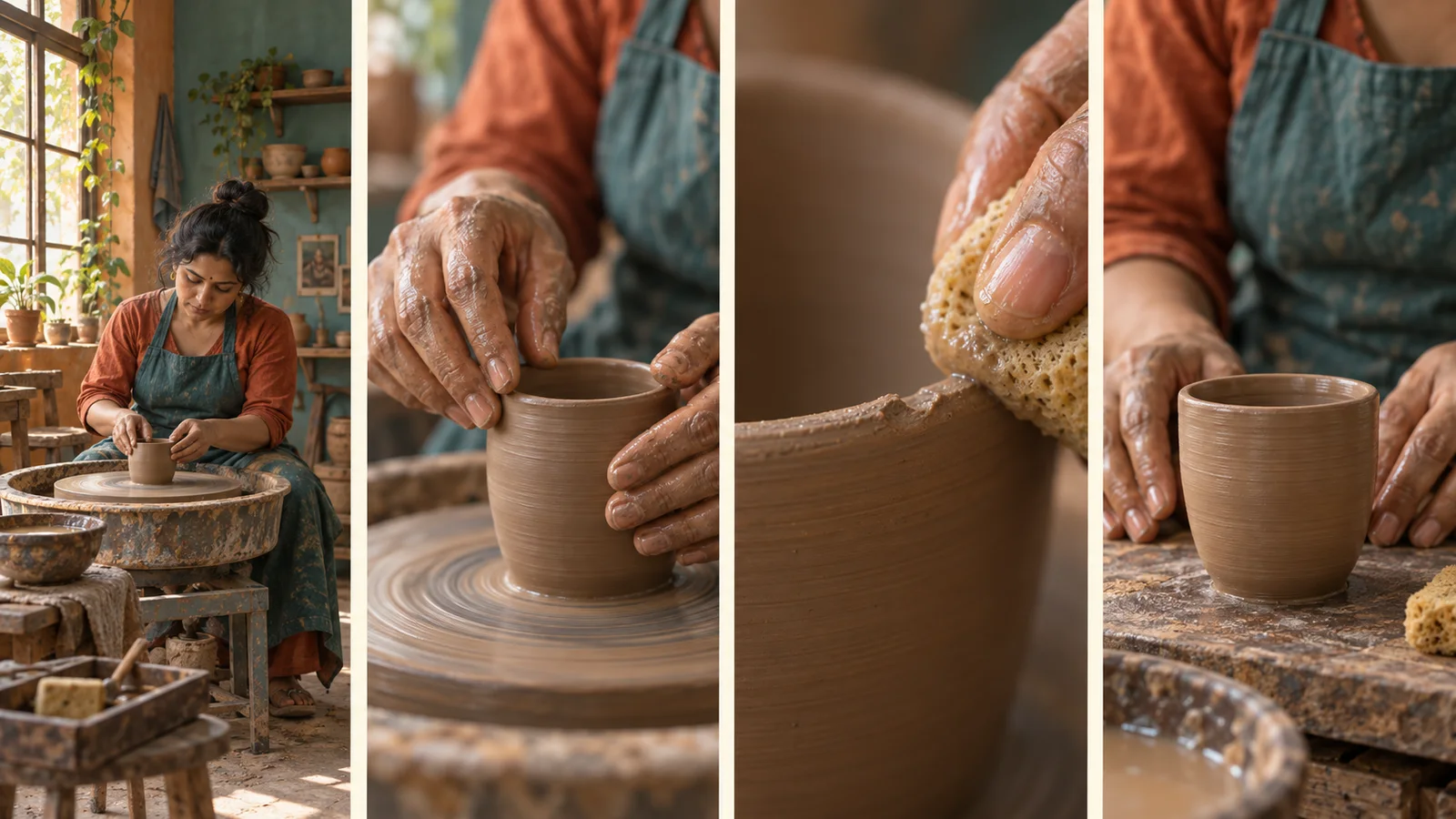
Illustrated shot plan, from left to right: establish the place, show the action, reveal the detail, and hold on the result. AI-generated reference images; film your own original footage.
Shot 1: Establish the place — about 3–4 seconds
Show the person and enough of the surroundings to explain what is happening. Keep the frame simple: one person, one task, one clear point of attention. A window or open doorway can provide a useful direction of light.
In our example, the potter sits at the wheel. A few tools communicate the setting; the entire workshop does not need to be visible.
Shot 2: Show the action — about 5–7 seconds
Move closer to the hands. Record the beginning and end of the movement so you have options when trimming. Keep the direction of the action consistent between shots.
Instead of making every shot move, try holding the phone still while the subject moves. A stable frame makes small actions easier to follow.
Shot 3: Make the detail matter — about 5–7 seconds
Show the uneven rim and the careful correction. This shot answers the viewer’s question: what needs attention?
The detail must remain visible at phone size. If the problem is too tiny to understand, choose a clearer action rather than adding an exaggerated caption.
Shot 4: Give the result time — about 4–6 seconds
Hold on the corrected clay form and the potter’s relaxed hands. Let the viewer register the change before the Reel ends.
Keep the process truthful. A newly shaped wet-clay cup is not ready to hold tea: drying and firing are later stages. A satisfying ending does not need to imply that the entire craft process happened in seconds.
Record clean material before adding effects
Clean the phone lens, choose the vertical framing you intend to publish, and check the background for distractions. Record a short test and play it back before completing the sequence.
Use these practical checks:
Light: keep the subject facing or angled towards a usable light source. Avoid moving between very different lighting conditions during one action.
Focus: check that the important hand movement or object is sharp. If your camera offers focus and exposure locking, try it for a stationary setup.
Stability: support the phone when possible. Do not place a stand where it obstructs machinery or the person working.
Sound: record a few seconds of the real environment with no talking. The wheel, cloth or tools can become useful sound transitions.
Coverage: leave a little extra recording before and after each action. Trimming is easier when a clip does not begin halfway through the movement.
These are shooting suggestions, not claims about specific Edits controls.
Build the edit around the action
For an entry, assemble and finish the Reel in Edits in accordance with the organiser’s guidance. Start with the four story beats before adding decorative treatments.
First, remove waiting time while keeping the action understandable. Then compare each cut: does it reveal new information, or merely repeat the previous image? If two shots do the same job, keep the stronger one.
Next, listen without looking at the screen. If music buries the sound that makes the task interesting, lower it or leave a short passage without music. Use audio you have permission to include and check the applicable platform and event terms.
Finally, make the shots feel visually consistent. Match obvious brightness or colour differences where the app allows, and avoid applying a strong effect simply because it is available. Use a feature because it helps the story, and describe only features you actually used.
Write a caption that explains the work
A useful caption gives viewers a reason to care and tells the organiser how the Reel was made. Here is an original example to adapt only if it accurately describes your footage:
An uneven rim, a little patience, and a shape worth keeping. I filmed this small pottery moment and assembled the story in Edits, using trimmed close-ups and on-screen text to make the change easy to follow.
#EditsFilmFestival @metaindia @weareyuvaa
Replace the craft, actions and feature descriptions with your own. Do not claim to have used an effect that is absent from the final video.
If you want alternative wording, open our AI Caption Generator, choose Instagram and describe the actual scene, the intended tone and the features used. Treat its output as a draft. Check factual details, required tags and the final wording yourself.
For help organising an idea, our Reel Script AI can suggest hooks and scenes. It does not edit a festival entry or submit it for you. A generated outline is optional; the story should remain grounded in your own subject and footage.
Make the Reel understandable beyond Hindi
India is not one language audience. Use the language your subject naturally speaks, whether that is Tamil, Telugu, Kannada, Malayalam, Gujarati, Marathi, Odia, Punjabi, Bengali, Hindi or another language.
For a mostly visual craft story, you may need only a short title and a little context. For spoken content, review subtitles for names, meaning and timing. If you add another language, ask a fluent speaker to check it instead of publishing an unreviewed translation.
Keep text readable and clear of important action. Watch the completed Reel on a phone, once with sound and once muted. Can a viewer still understand what changed? Avoid crowding several languages into one small frame; choose a primary presentation and a deliberate way to provide additional context.
Check these things before publishing
The Reel tells one understandable story with a visible result.
Footage is yours to use, and the people shown have agreed to be filmed and posted.
The entry follows the organiser’s latest production and submission guidance.
Text is readable, spelling is checked and any translation has been reviewed.
Music and other assets are suitable for your intended use.
The caption describes the actual Edits features used and includes the required mentions and hashtag.
The posted video plays correctly and has the intended cover, audio and caption.
After publishing, note what viewers respond to. A question about the craft may reveal a good follow-up topic. For a broader content plan, read our seven-day niche content experiment. Judge progress by useful audience response as well as views; neither a tool nor an entry hashtag guarantees reach.
Frequently asked questions
When is the Edits Film Festival deadline?
Meta’s announcement lists 8 October 2026. This article was checked on 20 September. Follow the organiser’s current instructions if they change, and do not assume a particular closing time or time zone that the announcement does not specify.
Do I need an expensive camera?
Our exercise is designed around a phone, usable light and a clear action. It is a creative starting point, not a statement about every festival eligibility condition. Check those conditions before entering.
Can I finish the video in another editor?
Meta’s announcement calls for Reels made entirely on Edits. For an entry, follow that requirement. External planning notes or a caption draft do not replace the required editing workflow.
Is this a tutorial for automatic AI video generation?
No. You record original footage and make editing decisions. KuchhBhi’s tools can help with planning or caption wording; they do not create or submit a qualifying Reel on your behalf.
Must my video be in Hindi or English?
Our filmmaking exercise works in any language. Choose language and subtitles for your audience, and check the organiser’s current entry conditions rather than assuming that this independent guide defines them.
Source and editorial note: Event details come from Meta’s official Edits Film Festival announcement, published 24 August 2026, checked on 20 September 2026. The shot plan, sample caption and filmmaking exercise are original KuchhBhi editorial guidance. Illustrations are AI-generated visual references, not documentary photographs. KuchhBhi is not affiliated with the festival.