Google Photos Help Me Edit in India: Voice and Text Editing Guide
Google Photos now lets eligible users in India describe an edit by voice or text. It is useful for cleanup and creative variations, but the final image still needs a careful review before business, identity or documentary use.
This guide explains the announced capability, a practical workflow, the limits that still matter and the questions to ask before relying on it. Availability can vary by account, device, language and rollout stage.
What the official announcement says
Open a photo and tap Help me edit, then describe the requested change.
Google lists English, Hindi, Tamil, Marathi, Telugu, Bengali and Gujarati.
The stated device requirement is Android 8.0 or later with at least 4GB RAM.
Google Photos supports C2PA Content Credentials that can record AI modification history.
These points describe the source as published on 27 January 2026. They do not promise that every account has the same interface today.
A practical workflow
1. Choose the highest-quality original and duplicate it before a large edit
Choose the highest-quality original and duplicate it before a large edit.
2. Give one concrete instruction, such as brighten the face without changing skin tone, then review the result
Give one concrete instruction, such as brighten the face without changing skin tone, then review the result.
3. Zoom into hands, eyes, jewellery, product labels and straight lines for generative errors
Zoom into hands, eyes, jewellery, product labels and straight lines for generative errors.
Need to resize images?
Resize photos for forms and exact upload dimensions.
4. Use KuchhBhi Image Resizer after editing when a platform needs a specific pixel size; do not repeatedly resize the only original
Use KuchhBhi Image Resizer after editing when a platform needs a specific pixel size; do not repeatedly resize the only original.
5. Export a final copy and keep the untouched source when authenticity or client approval matters
Export a final copy and keep the untouched source when authenticity or client approval matters.
Example
A home baker can ask to reduce a distracting background object and brighten a cake photo. The baker should then verify that the cake decoration, colour and portion size were not changed, because those details affect what a customer expects.
Quality and safety checks
Before you finish, verify names, dates, numbers, prices and permissions against the original source. Preview the result on the device your audience uses. If the workflow affects money, identity, health, legal rights or safety, use a qualified human reviewer. Keep a copy of the original material and document important decisions.
For multilingual work, do not assume that everyone in India understands Hindi. Choose the recipient's actual language, explain unfamiliar terms in plain English where useful and ask a fluent speaker to review public-facing copy.
Important limitations
Availability can vary even on a compatible Android phone.
Face-related edits may use private face-group images; review personal-photo privacy before using them.
A plausible-looking result can still alter identity, product detail or context.
C2PA information supports transparency but does not prove every visual claim is true.
A feature being powered by AI does not guarantee accuracy, reach, sales, safety or compliance. Use it to reduce repetitive work while keeping a person responsible for the final decision.
Frequently asked questions
Which Indian languages are supported?
Google lists English, Hindi, Tamil, Marathi, Telugu, Bengali and Gujarati for this rollout.
Does it work on every Android phone?
Google specifies Android 8.0 or later and at least 4GB RAM, with rollout eligibility still relevant.
Can I use the result as evidence?
Do not treat an AI-edited image as documentary evidence without disclosure and the original.
Should I delete the original?
No. Keep the original for comparison, client approval and future edits.
Source and date
This guide is based on the official announcement published or updated on 27 January 2026: read the primary source. Check the live product interface and current help documentation before depending on the feature for a deadline or customer promise.
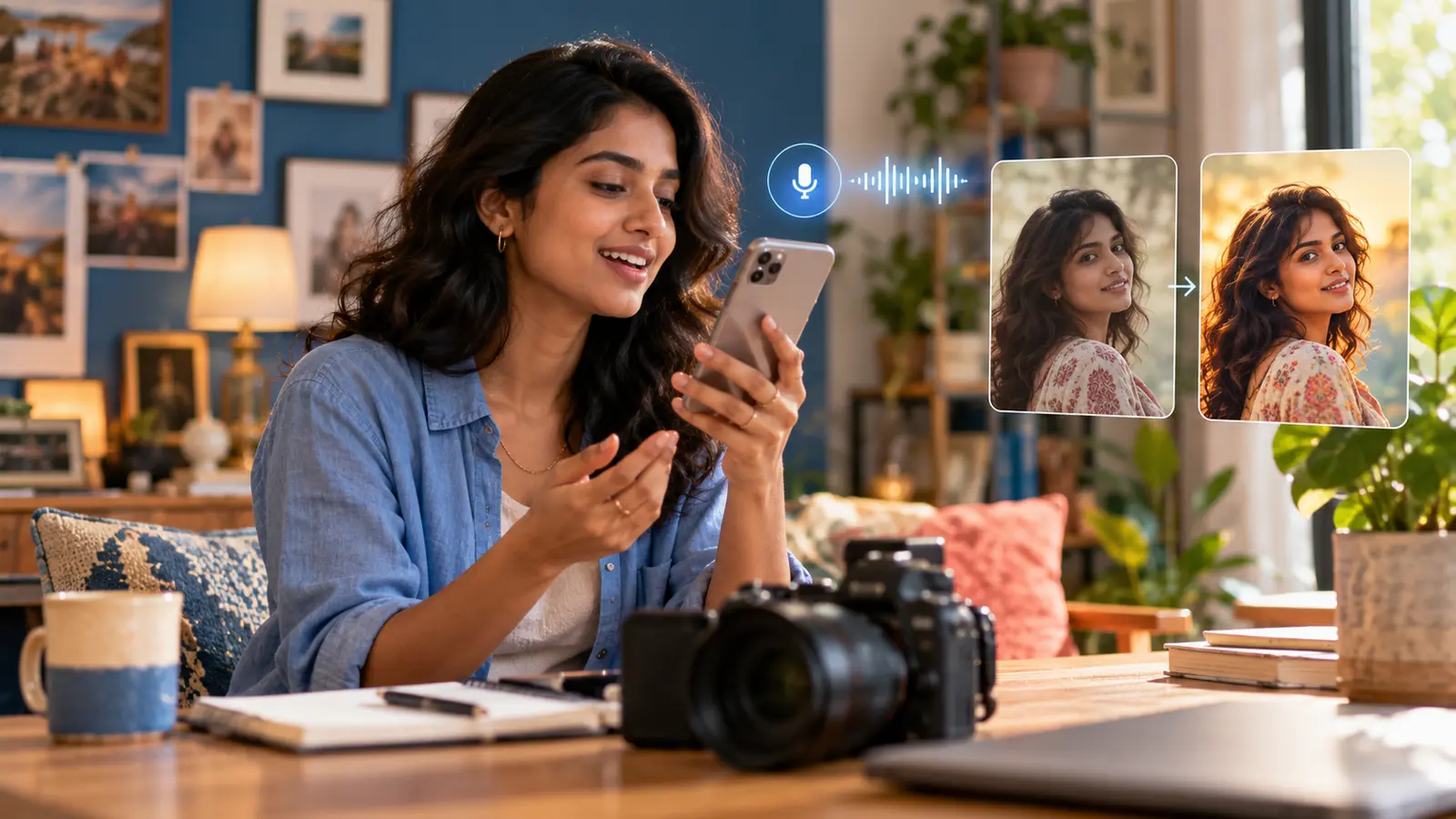
Cover note: AI-generated editorial illustration created specifically for this guide. It is not a screenshot of the product interface and does not document a real person using the feature.