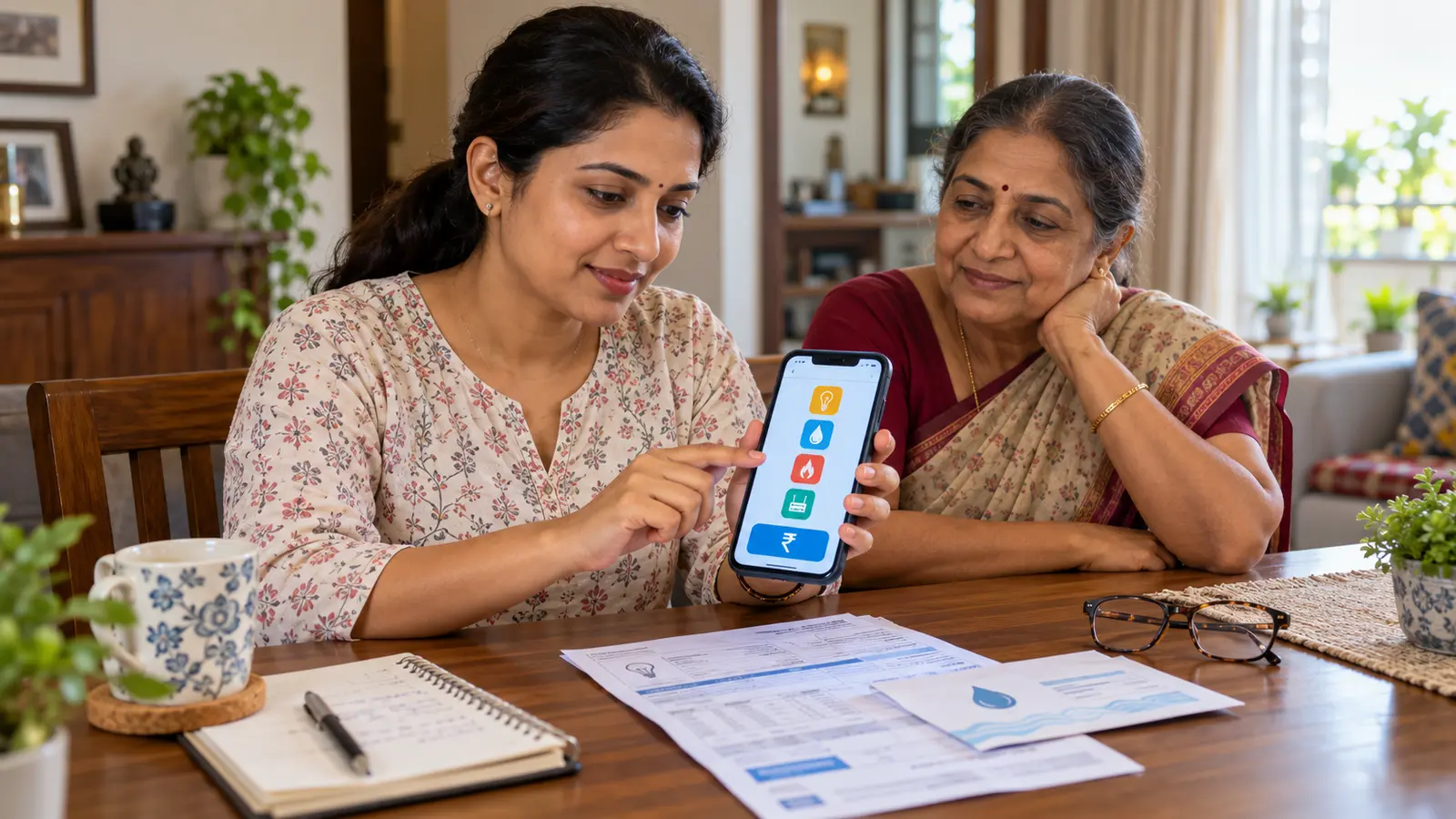
Cover: AI-generated illustration created for this guide; the screen is generic and does not reproduce WhatsApp or a real payment account.
WhatsApp is rolling out household bill payments across India through the Bharat Connect network. The feature brings electricity, gas, water, FASTag, insurance, credit-card and loan-repayment bills into the app many families already use every day.
The rollout is practical, but it also creates an important safety question: how do you confirm the correct biller, customer account and amount before paying? This guide explains what Meta announced, how the flow works, what to do if the option is missing, and the checks worth making before every payment.
What WhatsApp announced in September 2026
Meta's official India announcement says WhatsApp Bill Payments connects to 22,722 billers across 30 categories through Bharat Connect, the system previously known as BBPS. The listed categories include electricity, gas, water, FASTag, insurance, credit cards and loan repayments.
The feature is rolling out gradually for Android and iOS users in India. That means two people using current app versions may receive it at different times. A missing bill-payment option is not proof that the announcement is false or that your account is broken.
Meta says users can view past and upcoming bills, manage multiple accounts under one provider and choose an available payment mode. The announced modes are UPI, debit card and credit card, although the options actually shown can depend on the biller, account and rollout.
Open WhatsApp and tap the ₹ icon near the top of the home screen.
Select the bill category and the correct biller.
Add and confirm the customer or account details requested by that biller.
Review the fetched bill amount and identifying details.
Select an available payment method.
Confirm the payment.
The exact wording and position can change with app updates. Use the payment section inside the official WhatsApp app; do not follow a stranger's link to a look-alike payment page.
If the ₹ icon or bill category is missing
Because the launch is gradual, the feature may simply not have reached your account. Try these non-destructive checks:
Update WhatsApp from the official Google Play Store or Apple App Store.
Reopen the app and check the Payments area.
Confirm that your account and phone number are being used in India.
Check whether the specific biller appears under another sensible category.
Wait for the rollout rather than installing a modified APK or unofficial beta.
Do not pay anyone who claims they can “activate” Bill Payments remotely. WhatsApp does not need your UPI PIN, card PIN or one-time password to enable a menu item.
Until the feature arrives, continue using the biller's official website or app, your bank, or another trusted Bharat Connect channel.
What Bharat Connect means
Bharat Connect is the consumer-facing bill-payment ecosystem developed from the Bharat Bill Payment System. NPCI describes it as an interoperable platform designed to let customers pay participating billers through different digital and assisted channels with a standardised experience.
The key benefit is that the app can request a bill using identifiers recognised by the biller, then return a payment confirmation. It does not remove your responsibility to enter the correct consumer number, vehicle number, policy number or loan account reference.
A real biller name in a menu is not enough. Always match the fetched customer name, service address or masked account reference with your actual bill before proceeding.
Five checks before pressing Pay
1. Confirm the biller, not only the logo
Electricity distribution companies and municipal services can have similar names. Select the provider printed on your latest bill, including the correct state, city or subdivision where shown.
2. Re-enter the consumer number carefully
One wrong digit can fetch somebody else's account or return an error. Compare the customer number character by character. Avoid copying it from an old forwarded message when you have the current bill available.
3. Match the name and billing period
Before payment, check the displayed consumer name, masked identifier, bill date and due date. If the amount looks unusually high or low, stop and verify through the biller's official channel.
4. Read the final amount
Review the bill amount and any fee visible on the confirmation screen. Do not assume every credit-card, debit-card or UPI route has identical charges, rewards or eligibility. Those details can depend on the biller and payment provider.
5. Save the receipt and reference number
After a successful transaction, retain the in-app receipt or transaction reference until the biller marks the account paid. NPCI's Bharat BillPay standards emphasise payment confirmation and receipt verification as core parts of the system.
UPI, debit card or credit card: which should you choose?
Choose based on the options displayed and the terms you understand—not on a forwarded promise of rewards.
UPI: usually convenient for direct bank-account payment. A UPI PIN authorises money leaving your account; nobody needs it to send you a refund.
Debit card: draws from the linked bank account. Check the final amount and use your card details only inside the trusted payment flow.
Credit card: may help with cash flow, but the issuer can treat different bill categories differently. Check fees, rewards, interest and your repayment date before confirming.
For a credit-card bill itself, avoid circular or misleading arrangements intended to turn credit into cash. Use the payment methods legitimately offered for that bill and review the bank's terms.
Never share these details in chat
The Reserve Bank of India repeatedly advises users not to share PINs, passwords, card security codes or OTPs. A genuine support agent should not ask you to message them:
UPI PIN
Debit- or credit-card PIN
OTP
CVV
Full card number in an ordinary chat
Banking password
Screen-sharing or remote-access code
Do not install an app sent through chat to “reverse” a failed transaction. If someone contacts you about an urgent unpaid bill, open your biller's official channel independently and check there.
A safe family bill-management workflow
Many Indian households have one person paying bills for parents, a rented home and an office. WhatsApp's multiple-accounts-per-biller option can help, but labels and records still matter.
Use a simple system:
Give each account a clear private label in your household notes, such as “Parents home electricity” or “Office FASTag.”
Store only the minimum identifiers needed; never keep PINs or OTPs.
Check the bill period before every payment.
Save the receipt using a filename such as electricity-parents-2026-10.pdf.
Record the paid date and transaction reference in a monthly list.
Confirm that the biller shows the account as paid before deleting the receipt.
If you send a reminder to a family member, use KuchhBhi's WhatsApp Direct tool to open a chat without first saving the number. Keep the message generic: “Electricity bill is due on Friday.” Do not include a full customer number, card details or OTP.
What to do when money is debited but the bill still looks unpaid
First, do not pay again immediately. Payment systems sometimes need time to reconcile.
Check the transaction status and reference inside WhatsApp Payments.
Check your bank or card statement.
Check the biller's official account page for an updated balance.
Save screenshots of the status, amount, date and reference—but hide sensitive details before sharing.
Use the in-app support or dispute path associated with the transaction.
Contact the bank or payment provider using the number or channel published in its official app or website.
NPCI also provides a complaint facility for transactions routed through participating institutions, but the first support route is normally the app, bank or institution that handled your payment. Keep every complaint reference number.
Bill payment versus a UPI QR code
A Bharat Connect bill flow fetches a bill against an account identifier. A UPI QR code generally identifies a payment recipient and may include an amount, but it does not automatically prove which electricity, loan or insurance bill is being settled.
For household bills, prefer the recognised biller flow when available. For a small shop collecting normal customer payments, a verified merchant QR may be appropriate. Our UPI QR guide for Indian businesses explains the difference between generating a payment QR and receiving an official merchant service.
Never scan a replacement QR pasted over a counter, printed on an unsolicited bill notice or sent by an unknown “support” contact without verifying the recipient name.
Privacy considerations
Bill accounts can reveal your address, phone number, vehicle information, insurance status or loan relationship. Add only accounts you are authorised to manage and avoid sharing screenshots that expose customer numbers.
If you help an older relative, let them see the fetched name, biller and amount before payment. Do not retain their card details or PIN. A safe helper explains the screen; they do not ask the account owner to reveal secrets.
Frequently asked questions
Is WhatsApp Bill Payments available to everyone in India now?
Meta says the feature is rolling out gradually across Android and iOS. Availability can therefore differ by account and date.
Which bills can I pay?
Meta lists 30 categories and specifically names electricity, gas, water, FASTag, insurance, credit-card and loan repayments. The exact billers shown depend on the Bharat Connect catalogue and rollout.
Can I use a credit card?
Meta lists credit card as one possible payment mode. Whether it appears, and any fees or rewards, can depend on the biller, issuer and confirmation screen.
Is a UPI PIN required to receive money back?
No. A UPI PIN is used to authorise a debit from your account. Do not enter it merely to receive a refund or cashback.
Can I manage bills for my parents and office?
Meta says multiple accounts under one provider are supported. Add only accounts you are authorised to manage, label them clearly and verify the fetched customer information each time.
What if the bill amount is wrong?
Do not pay it merely because the app fetched it. Compare it with the biller's official record and contact the provider through a verified channel.
Bottom line
WhatsApp Bill Payments can reduce app-switching for Indian households, but convenience should not remove verification. Use the official in-app flow, match the biller and customer details, read the final amount, protect every PIN and OTP, and keep the receipt until the biller confirms payment.