YouTube Conversational Editing Assistant: What Creators Can Prepare Now
YouTube announced a conversational editing assistant for Shorts and YouTube Create on 23 September 2026. Instead of treating it as a magic “make my video viral” button, creators can understand it as another editing control: describe a change, review the result and continue adjusting manually.
The official announcement says creators can start with suggested prompts or write their own. Examples include reordering frames, trimming clips and synchronising music to the beat. YouTube also says creators can move back and forth between the assistant and traditional timeline editing. Because this is a newly announced capability, availability may be limited or staged; check your own account rather than assuming universal access.
What conversational editing changes
Traditional editing asks you to locate clips, drag trim handles and adjust timing yourself. A conversational assistant lets you express some intent in words—such as “make the opening faster” or “sync these cuts to the beat”—then inspect a proposed edit.
The valuable shift is speed at the first-pass stage. It does not remove creative judgement. The tool cannot know whether a pause is emotionally important, whether a claim is accurate or whether a brand has approved a shot.
Prepare a clean project before prompting
An assistant works better when the raw material is organised.
Choose one viewer promise
Write the outcome in one sentence: “This Short shows three ways to photograph jewellery with a window.” If a project contains two unrelated promises, split it into two videos.
Capture intentional clips
Record a clear opening, the essential demonstration, a result shot and a closing action. Hold each shot a little longer than needed so trimming has room. Avoid copyrighted music or footage you are not authorised to use.
Planning Shorts content?
Estimate Shorts earnings by views, country and RPM.
Write down product names, prices, dates and safety notes that must survive every edit. KuchhBhi's Reel Script AI can help structure a draft, while the Character Counter can keep on-screen lines short. Both are drafting aids; verify the content yourself.
A prompt-review-edit loop
1. Ask for one change at a time
Broad requests such as “make this amazing” are difficult to judge. Use observable instructions:
“Trim pauses in the first five seconds but keep the full first sentence.”
“Move the finished result immediately after the opening question.”
“Sync the demonstration cuts to the beat without removing the safety warning.”
The examples here are workflow suggestions, not a claim that every phrase is a supported command.
2. Watch the entire result
Check for jump cuts, clipped words, lost context, awkward music timing and continuity errors. Watch once with sound and once muted. A visually quick edit can still become incomprehensible without audio.
3. Return to the timeline
YouTube says creators can alternate between conversational help and manual editing. Use the timeline for exact frames, caption timing, volume and any moment the assistant misunderstood.
4. Validate the first three seconds
The opening should set an accurate expectation. Do not use a shocking claim that the video never answers. A good hook can be specific without being deceptive: “Your product photo looks grey because the light is behind it.”
5. Finish accessibility checks
Correct names and Indian-language words in captions. Keep essential text inside the safe central area and use high contrast. Do not place critical labels behind Shorts interface controls.
Example: a 30-second shop tutorial
A small clothing shop records eight clips showing how to measure a kurta. The editor can begin with a request to place the completed measurement result after the opening question, trim repeated setup, and align the three measurement steps to a steady beat. Then the editor manually restores a pause before the size warning, corrects captions and checks that centimetres were not changed to inches.
The assistant saved assembly time, but the shop owner remained responsible for the measurement advice and product claims.
Where the assistant can go wrong
It may optimise rhythm over meaning. A removed pause or sentence can change the instruction.
It may not recognise the strongest authentic moment. A small facial reaction or ambient sound may matter more than perfect timing.
It cannot clear rights. Music synchronisation does not grant permission to use a track. Use music and footage you are allowed to publish.
It cannot guarantee performance. Faster editing does not guarantee views, retention, subscribers or revenue.
It may not be available yet. An announcement is not proof that every creator, country, device or account has access.
A practical quality checklist
Before exporting, confirm:
the video answers the promise made in the opening;
no factual or safety step disappeared;
speech is intelligible and captions match it;
text remains readable on a phone;
cuts do not create false before-and-after implications;
licensed music and footage are used correctly;
the title and caption accurately describe the result.
For the final social caption, KuchhBhi Caption Generator can create a draft in English, Hindi or Hinglish. Add real details and remove unsupported claims before publishing.
FAQs
Is the conversational assistant available to every YouTube creator?
YouTube announced the feature on 23 September 2026 for Shorts and YouTube Create, but rollout details and account availability can vary. Check the current app and official help information.
What edits did YouTube mention?
The announcement specifically referenced reordering frames, trimming clips and synchronising music to the beat, using suggested or custom prompts.
Does it replace timeline editing?
No. YouTube explicitly described moving between the conversational assistant and traditional editing tools.
Can it write a whole Short for me?
This announcement focuses on editing existing material. Other tools may help with ideas or scripts, but you remain responsible for the concept, facts, rights and final cut.
Will it improve retention automatically?
No. It may speed up certain edits, but audience response depends on relevance, clarity, trust and execution.
Source and date
Feature details are based on YouTube's official Made on YouTube announcement published 23 September 2026. Because this is a newly announced product capability, verify current eligibility and controls in YouTube Create or Shorts before basing a deadline on it.
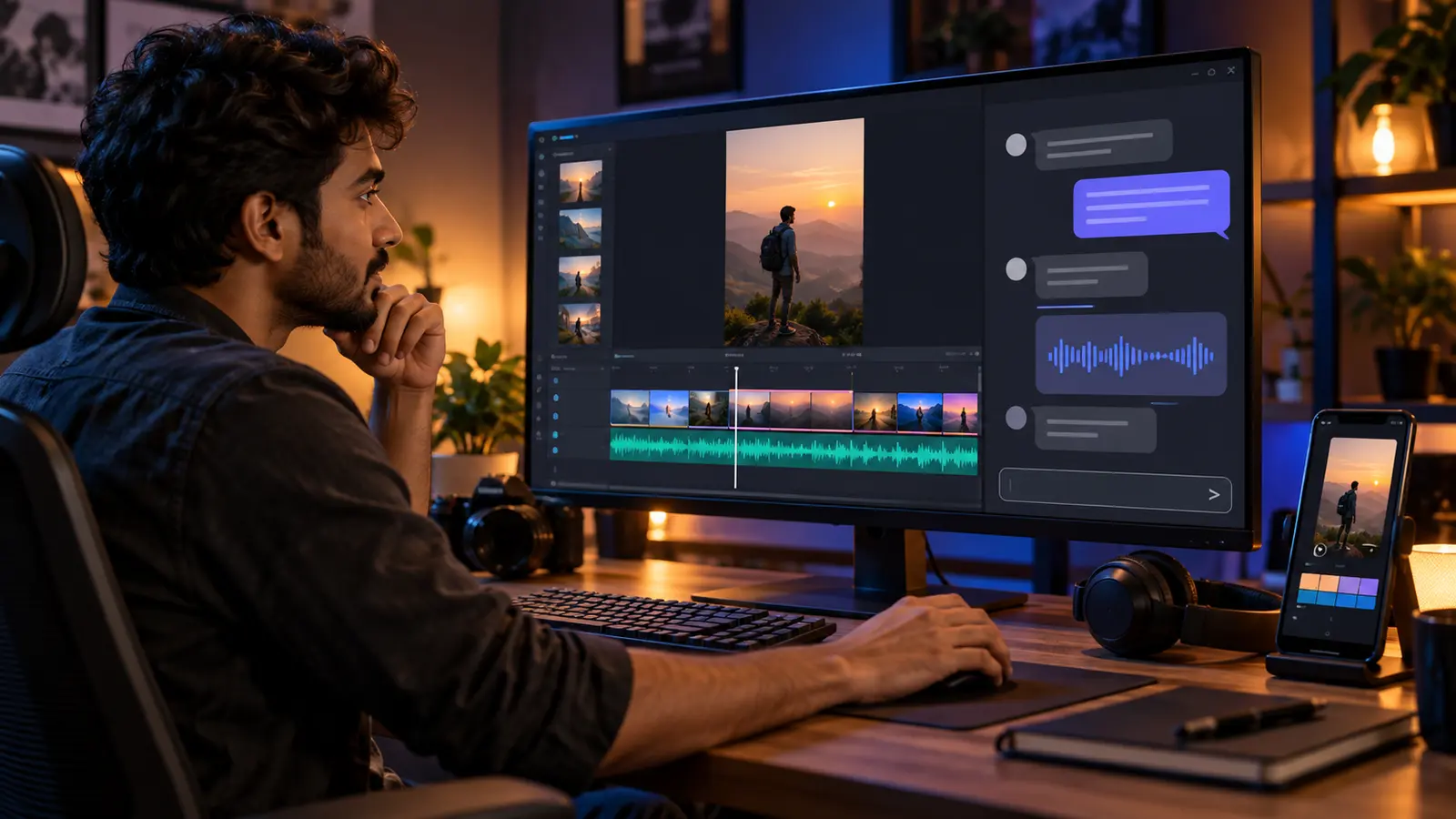
Cover note: AI-generated editorial illustration created for this guide; the screen is a generic concept, not a real YouTube or Gemini interface.