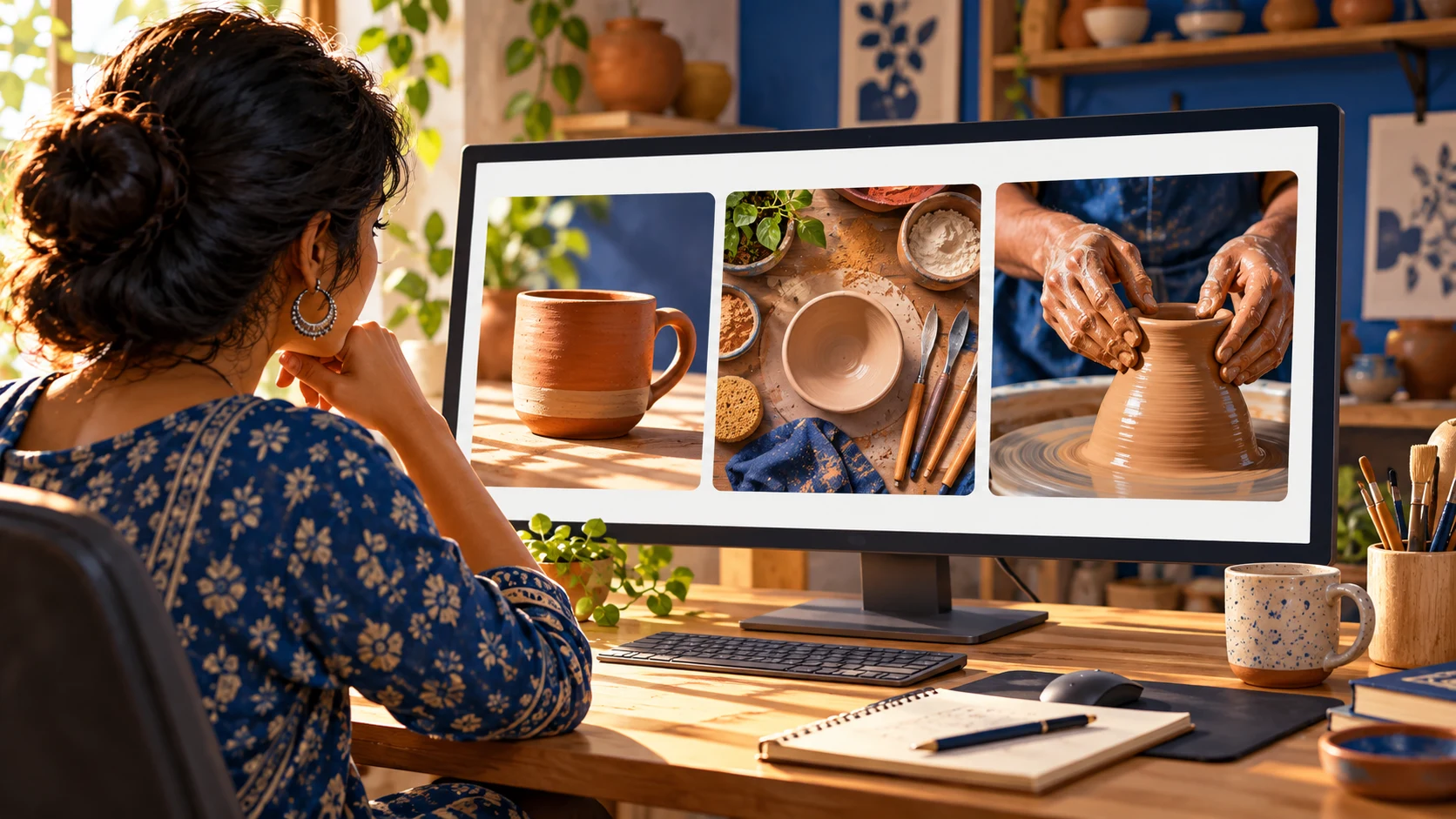
YouTube’s latest creator announcement raises a useful question: should every viewer see the same thumbnail? Its new dynamic-thumbnail approach points toward different options for different audience segments. That is a different job from choosing one winning cover for everyone.
For an independent creator, the practical next step is straightforward: prepare three distinct, honest ways to present the same video. This guide explains the announcement, separates it from existing A/B testing, and gives you a preparation exercise you can do before a feature appears in your account.
Cover image: AI-generated illustration of a creator reviewing thumbnail concepts; not a YouTube interface screenshot.
Editorial note: researched on 29 September 2026. The workflow and pottery examples below are KuchhBhi’s suggested exercises, not measured performance results. Feature availability must be checked in your own YouTube Studio account.
What YouTube announced on September 23
In its Made on YouTube creator-tools announcement, YouTube described dynamic thumbnails that recommend among three options for different audience segments. It also described channel-matched thumbnail generation and background suggestions for refreshing older videos.
Separately, YouTube said testing three video cuts would be coming soon. Treat that as an announcement about future functionality, not proof that your channel can use it today. The announcement does not establish universal availability for every account in India.
This article focuses on preparing thumbnails. It does not claim that new AI features guarantee more views or revenue.
Dynamic thumbnails, A/B tests and previews do different jobs
Dynamic thumbnails: the announced approach matches thumbnail options to audience segments. The question is which presentation suits which viewer group.
Planning Shorts content?
Estimate Shorts earnings by views, country and RPM.
YouTube’s existing A/B testing: eligible creators can compare up to three title or thumbnail options. YouTube’s current help page describes choosing a result based on watch time, rather than clicks alone. Its documented setup uses desktop Studio and requires advanced-feature access; Shorts are excluded. Check that page for the complete eligibility rules.
A thumbnail preview: a design check before publication. You can inspect wording, contrast and composition at a small size. A preview cannot show how real viewers will behave.
Use these in sequence: clarify the promise, check the design, and then run an audience experiment where your account supports it. A readable design is useful preparation; it is not evidence of higher click-through rate.
Prepare three concepts using one real video
Imagine a seven-minute pottery tutorial showing how a beginner shapes a small terracotta mug. The video includes the finished mug, the hands shaping it, and a short explanation of a common uneven-rim problem.
Keep one working title for this exercise: How to Shape Your First Clay Mug. Now make three covers with different emphasis.
Concept A: Show the result
Use a close view of the completed mug with a clean background. Optional text: FIRST CLAY MUG.
This concept answers: “What will I learn to make?” It is suitable for testing the appeal of a clear finished outcome. Do not substitute an expert’s perfect mug if the tutorial produces something different.
Concept B: Show the process
Choose a frame showing hands forming the handle or smoothing the rim. Optional text: SHAPE IT BY HAND.
This concept answers: “What will I see or do?” Make the action large enough to recognize without zooming. A wide shot of an entire studio might be attractive but leave the main task unclear.
Concept C: Show the problem
Use an actual before-and-after moment from the tutorial: an uneven rim beside the corrected rim. Optional text: FIX THIS RIM.
This concept answers: “Will this solve my difficulty?” Use it only if the video genuinely explains that correction. The promise in the cover should be fulfilled by the footage.
Changing only yellow text to white text would not explore these three different promises. Start with a meaningful idea difference; polish the typography afterwards.
Check the designs on your phone
Open KuchhBhi’s Thumbnail Text Previewer. Its interface provides a background-image upload and controls for overlay text, font size, vertical position, text colour and outline colour.
For each concept:
Upload the background you actually intend to use.
Add one short phrase, or leave the picture to explain the idea if words add nothing.
Adjust the type so it does not cover the important action or result.
Inspect the small preview. Ask someone to describe what they understand before explaining the video.
Download the image and review it on the phone where you normally watch videos.
Treat any displayed scores or tips as design guidance, not a forecast of clicks, watch time or earnings. This previewer does not run a YouTube audience experiment or connect to your channel analytics.
For a multilingual audience, decide whom each version needs to communicate with. A Tamil tutorial may need Tamil wording; an English tutorial may not benefit from adding a Hindi phrase just because the creator is based in India. Check the script at the final viewing size, and ask a fluent reader to review spelling and tone.
Run a controlled test when your account supports it
In desktop YouTube Studio, open an eligible video and look for A/B Testing near its title or thumbnail controls. The documented choices include testing a title, a thumbnail, or both. For the exercise above, keep the title fixed and compare the three covers.
YouTube says tests may take up to two weeks. Changing the title or thumbnail during the experiment stops it. Its help page also warns that similar options or insufficient impressions may leave no clear winner.
Keep a short record before starting:
Video and test start date.
The promise represented by each option.
What you expect to learn, without predicting a percentage improvement.
The result reported by Studio when the test finishes.
A separate note about whether the video delivers the promise in its opening.
Do not present a morning-versus-evening manual thumbnail swap as equivalent to a controlled experiment. Different viewers and traffic conditions can make a simple before-and-after comparison difficult to interpret.
Read the result without overclaiming
A successful experiment should inform the next creative decision. If the process image performs better, the useful follow-up is to investigate whether viewers respond to visible hands-on work—not to declare that all future thumbnails need hands.
If there is no clear difference, keep the most accurate and readable cover and plan a more meaningful contrast next time. Avoid repeated tiny changes simply to produce an apparent winner.
Also watch the video yourself. A cover promising a simple tutorial should lead into a clear demonstration. If viewers must sit through a long unrelated introduction, improving the cover alone does not resolve the mismatch.
For a broader content-planning exercise, see our seven-day niche content experiment. Use that to choose a focused subject, then use this guide to prepare its packaging.
Frequently asked questions
Is this a new feature available to every Indian creator?
The September 23 announcement does not confirm that. Check your own account and current official documentation. Do not purchase a third-party service merely because it claims to unlock an account feature.
Can the KuchhBhi previewer tell me which cover will win?
No. It helps you inspect your design. Only actual audience data can inform a performance comparison, and even an experiment may remain inconclusive.
Should I generate all three images with AI?
You can work from your own footage, original illustrations or suitable licensed imagery. Whatever the production method, preserve the video’s actual subject and outcome. An invented result can set the wrong expectation.
Should the three versions use different languages?
That is a separate hypothesis. For your first exercise, keep language consistent and vary the visual promise. If you later test language, use accurate wording that matches the spoken video or the language support it really provides.
What can I do if the new feature is missing?
Prepare and preview the concepts now, and use the existing testing options available to your account. Avoid following instructions for controls that are not present. The design exercise is useful without claiming access to a rollout you have not received.
Your next step
Choose one video that already delivers a clear result. Make a result-led cover, a process-led cover and a problem-led cover. Check all three in the Thumbnail Text Previewer, then use eligible Studio testing to learn from viewers.
KuchhBhi Thumbnail Text Previewer — live interface inspected 29 September 2026. The preparation exercise is original editorial guidance; no controlled test or traffic uplift is claimed.