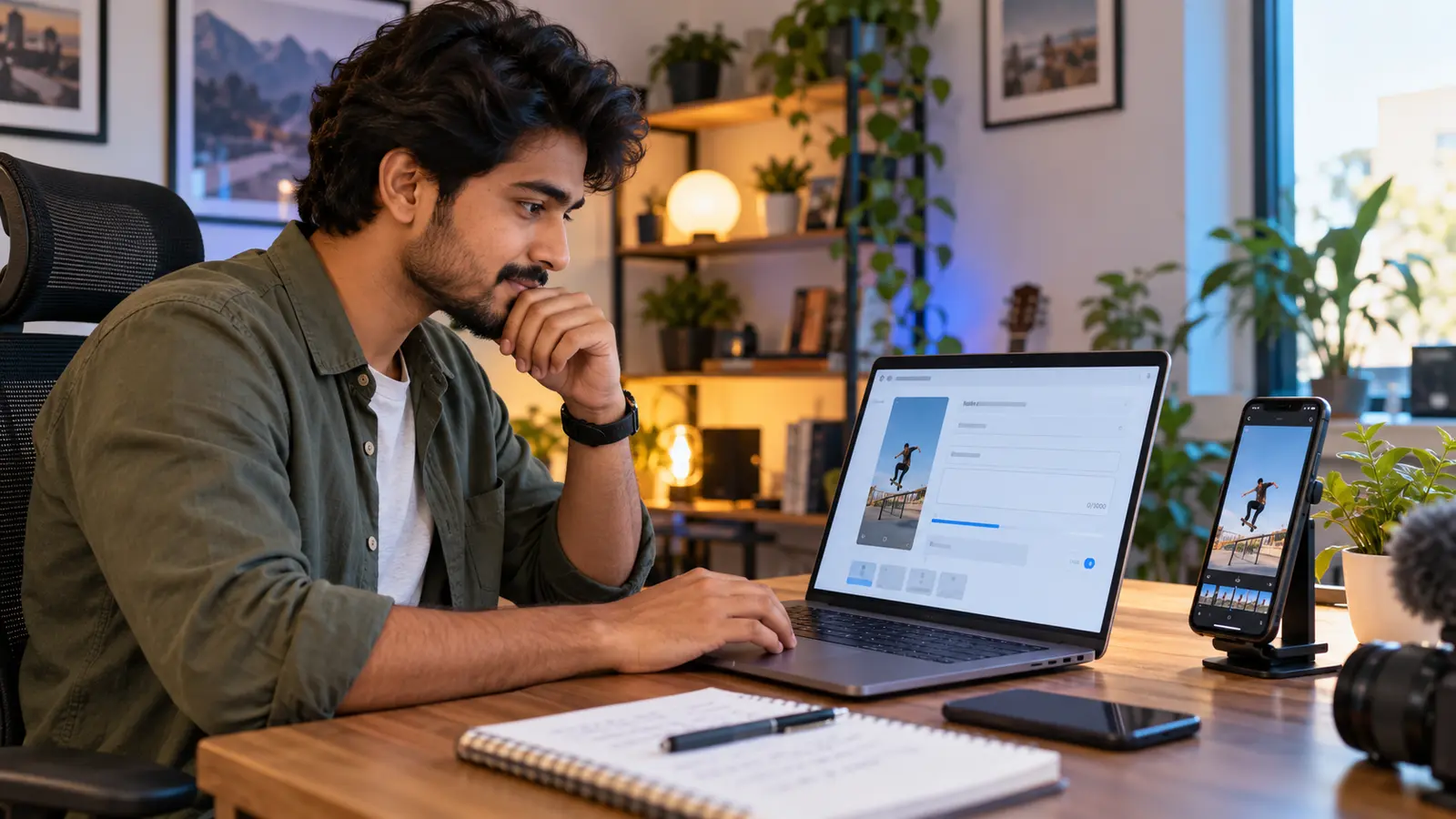
AI-generated editorial illustration of a creator preparing video metadata; the person and interfaces are fictional.
YouTube gives a video title up to 100 characters and a description up to 5,000 characters. Those are hard input limits, not targets. A creator usually needs far fewer characters to explain a Short clearly—especially because viewers may see only part of the title on a small screen.
This practical workflow uses the released KuchhBhi Character Counter to check a draft before pasting it into YouTube Studio. It is useful for English, Hindi, Hinglish and other Indian-language copy, but it cannot predict rankings, views or exactly how every YouTube surface will truncate text.
The two official limits to remember
YouTube's current upload guidance says:
video titles have a maximum of 100 characters; and
video descriptions have a maximum of 5,000 characters.
YouTube also advises creators to keep titles succinct, put important words near the beginning, represent the video accurately, and limit ALL CAPS and emoji. The 100-character allowance is therefore a ceiling. Filling every available character can make a title harder to scan.
For Shorts, metadata is only one discovery signal. YouTube explains that its systems match viewers with Shorts they are likely to watch and enjoy, and search can consider how well metadata matches a query. A carefully written title helps people understand the video; it does not guarantee distribution.
Step 1: write one clear promise
Planning Shorts content?
Estimate Shorts earnings by views, country and RPM.
Keep the most important subject and outcome close to the beginning.
Read the title aloud and remove repeated words.
Confirm that every claim is supported by the video.
The tool counts characters, words, lines and other text measurements in the browser. Its social-platform indicators are drafting aids; always treat the current YouTube upload screen and official help pages as the final authority.
A useful title test
Ask four questions:
Specific: Can a new viewer tell what the video is about?
Accurate: Does the video actually deliver the stated result?
Front-loaded: Are the useful words visible before any branding or episode number?
Natural: Would a person say or search for this phrase?
For a bilingual audience, use the language your intended viewer understands. A natural Hinglish title can be appropriate for a Hinglish video. Do not add a translation merely to repeat the same promise twice if it makes the title crowded.
Step 3: create two honest alternatives
Write alternatives with different angles, not small punctuation changes.
| Angle | Example title |
|---|---|
| Direct solution | Remove Background Noise in Premiere Pro |
| Mistake prevention | Stop Using Heavy Noise Reduction on Dialogue |
| Demonstration | Before and After: Clean Voice Audio in 30 Seconds |
Choose the version that best matches the first seconds of the Short. If the title promises a before-and-after result, show that comparison quickly. If it promises a tutorial, begin the instruction without a long introduction.
YouTube's title guidance stresses accuracy because viewers may stop watching when the title does not represent the video. A short, truthful title is more useful than an exaggerated promise.
Step 4: draft a description that helps the viewer
A Short description does not need to approach 5,000 characters. Start with one or two useful sentences:
state what the viewer will learn or see;
add essential context such as the software, device or language;
include a relevant link only if it genuinely helps;
add credit, disclosure or correction information when required; and
remove generic keyword lists.
Example:
A quick Premiere Pro workflow for reducing steady room noise without making speech sound metallic. Use headphones, start with a light setting and compare the result at the same loudness.
This description adds useful limits instead of repeating the title several times.
A Hinglish example
Title:
Reel Captions Ko Mobile Par Readable Kaise Banaye
Description:
Is Short mein safe margins, short caption lines aur contrast check karne ka simple workflow hai. Hindi, Hinglish ya English captions ko export se pehle phone preview par zaroor check karein.
This is suitable when the video itself serves viewers who read Hinglish. If the audience is multilingual, the description can add one concise English sentence rather than duplicating every line.
Step 5: review the first visible words
Interfaces vary by device, placement and ongoing product changes. Do not assume that all 100 title characters or all 5,000 description characters will appear before a viewer taps or expands.
Review the draft as if only its beginning is visible:
Does the first phrase identify the subject?
Is important context buried after a channel name?
Can you move an episode number or series label to the end?
Does the description begin with value rather than a block of hashtags?
Are names, product versions and spellings correct?
You can use the counter's words and lines totals to compare versions, but there is no universal “perfect” title length. Different languages and words occupy different visual widths even when their character counts are equal.
Step 6: verify links, credits and disclosures
Before publishing, open every description link and check the destination. Avoid shortened or unclear links when the viewer needs to know where they are going. Credit music, footage, collaborators or sources according to the applicable licence and agreement.
For sponsored or paid content, follow the platform's paid-promotion controls and the disclosure rules that apply to you. Do not hide a material disclosure at the bottom of a long description.
If you need to correct factual information later, YouTube's settings guidance describes a structured correction format. Check the current official instructions before adding one, because availability and formatting requirements can change.
What the Character Counter can and cannot do
It can help you:
count characters with and without spaces;
compare the length of title alternatives;
review word, sentence, line and paragraph totals;
spot repeated words through keyword-density feedback; and
keep the drafting process on one screen.
It cannot:
access your YouTube account or publish a Short;
predict click-through rate, retention, views or rankings;
know which title will perform best for your audience;
guarantee how text will display on every device;
verify whether a claim, disclosure or licence is legally sufficient; or
replace YouTube Studio and current official documentation.
Keyword density is not a score to maximise. Repeating the same phrase until the percentage rises usually makes the copy less natural. Write for the viewer first.
Final pre-upload checklist
Title stays within YouTube's 100-character limit.
Description stays within the 5,000-character limit.
Important title words appear early.
Title accurately describes the actual Short.
Opening seconds deliver the promised topic quickly.
Spelling of names and software is correct.
Links open and point to the intended pages.
Credits and disclosures are present where needed.
Hashtags are relevant rather than a keyword dump.
The title is reviewed on a phone-sized screen.
Frequently asked questions
What is the YouTube Shorts title character limit?
YouTube's upload help states that video titles can contain up to 100 characters. Shorts created through YouTube's mobile workflow also use a title with a maximum of 100 characters.
Should I use all 100 characters?
No. It is a maximum, not a recommendation. YouTube advises creators to be succinct and place important words near the beginning because viewers may see only part of a title.
What is the YouTube description limit?
YouTube currently states a maximum of 5,000 characters for video descriptions. A useful Short description can be much shorter.
Does a longer description make a Short rank higher?
There is no guaranteed ranking benefit from length alone. YouTube says search can consider metadata relevance, while Shorts recommendations also depend on viewer response and personalisation. Use enough text to be clear and useful.
Can I write the title in Hinglish?
Yes, when Hinglish matches the video and intended audience. Use natural wording and keep important names or technical terms accurate. Consider a brief translation only when it adds value for another audience.
Does the counter upload or save my draft?
The released tool states that its text analysis runs locally in the browser. Avoid pasting confidential information into any online page, and review the live tool's privacy information if your workflow is sensitive.
Can the tool tell me which title will get more views?
No. It measures text; it does not have access to your channel's audience response or future YouTube distribution. Compare real performance in YouTube Analytics after publishing.