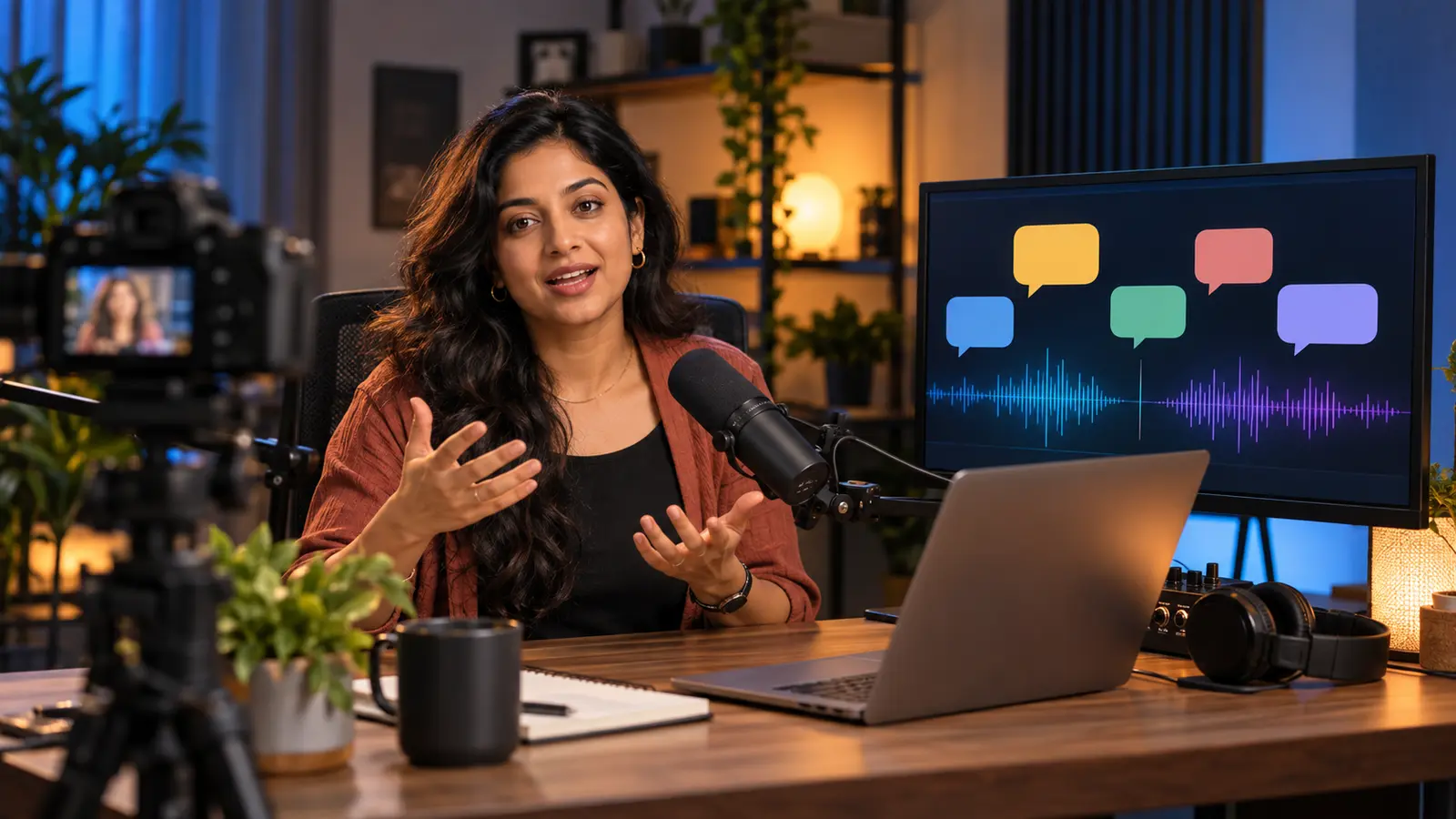
Cover: AI-generated illustration created for this guide; it is not a photograph of YouTube's unreleased feature.
YouTube says it will start piloting Live auto dubbing in early 2027. The aim is simple: translate a creator's speech in real time so viewers can listen in their preferred language. For Indian creators who mix English, Hindi and regional languages, that could make livestreams easier to follow beyond their usual audience—but the feature is not generally available yet.
This guide explains what YouTube actually announced on 23 September 2026, what remains unknown, and what you can prepare now without pretending the pilot has already launched.
What YouTube announced—and what it did not
In its official Made on YouTube announcement dated 23 September 2026, YouTube said more than 40% of live watch time comes from outside a creator's home country. It then announced that a Live auto dubbing pilot would begin in early 2027, translating speech in real time for viewers who want another language.
That announcement is meaningful, but brief. YouTube has not publicly confirmed the pilot's initial languages, eligible channels, countries, latency, pricing or exact release date. Do not build a paid event or client promise around an unannounced language pair.
YouTube also reported that more than 600 million logged-in viewers watched live content on an average day in August 2026, including archived livestreams. That shows why multilingual live video matters; it does not guarantee that any individual stream will gain more viewers.
Live auto dubbing is not the same as today's video auto dubbing
YouTube already offers automatic dubbing for ordinary uploaded videos. Its explains that viewers can switch audio tracks and warns that accents, dialects, background noise, proper nouns, idioms and specialist terms can cause errors. Those lessons are useful preparation, but the existing upload workflow should not be presented as the forthcoming Live pilot.
Planning Shorts content?
Estimate Shorts earnings by views, country and RPM.
Google India said on 5 February 2026 that uploaded-video auto dubbing was available in 27 languages. Live dubbing may launch with a different set of languages or controls. Wait for pilot documentation before stating otherwise.
1. Choose one primary spoken language for each segment
Code-switching is natural in India. A host might say, “Aaj hum invoice template set up karenge, then I will answer questions.” People can understand that context; an automated speech system may find rapid switches harder.
You do not need to remove your personality. Instead, make the language change deliberate:
Introduce a section in one main language.
Say when you are switching: “I will explain the next example in Hindi.”
Finish one sentence before changing languages.
Avoid switching languages inside names, numbers or instructions.
For a bilingual stream, consider separate blocks: a short English introduction, the main Hindi demonstration, then an English recap. This also makes the archive easier to chapter later.
2. Improve the audio before thinking about translation
Real-time translation starts with speech recognition. Cleaner input gives any automated system a better chance.
Keep the microphone close enough that your voice is clearly louder than the room.
Turn down background music while explaining steps.
Ask guests not to speak over one another.
Test fan, traffic and keyboard noise before going live.
Use headphones when remote guests might create echo.
Read one sample sentence containing prices, dates and product names, then review the recording.
An expensive microphone is not essential. A quiet room, steady distance and controlled levels often matter more than decorative equipment.
3. Create a pronunciation and terminology sheet
Make a one-page list for words that a system or human moderator could mishear:
Channel and host names
Brand and product names
Indian place names
Regional-language words kept in the original form
Technical abbreviations
Prices, units and dates
Add a plain-language explanation beside each term. For example: “UPI — Unified Payments Interface, pronounced as the letters U-P-I.” This sheet helps guests, caption reviewers and moderators even if your channel never receives the Live pilot.
Avoid inventing translated brand names. If a product has an official localized name, use the spelling published by the brand.
4. Script the parts where mistakes are costly
Write the opening, offer details, safety warning and closing call to action before the stream. Improvisation is fine for conversation, but exact information deserves exact wording.
If your notes are in Hinglish and you want a clean English version for an international recap, try KuchhBhi's Hinglish to English Translator. Treat the result as a draft: check names, amounts, dates and meaning yourself, and do not paste confidential client information.
A useful opening can be as simple as:
Welcome. This stream is mainly in Hindi, with an English recap after each section. Product links and key steps are in the description.
That expectation helps viewers today, before Live auto dubbing arrives.
5. Keep essential information visible as well as spoken
Dubbing changes audio; it does not make every on-screen label multilingual. Put critical steps, spellings and URLs in a readable description, pinned comment or simple slide. Use high contrast, large type and enough screen time for mobile viewers.
For promotional copy around the stream, KuchhBhi's AI Caption Generator can help draft a social caption. Review every output and adapt it to the platform. A social caption tool does not create live subtitles and should not be described as doing so.
For accessibility or regulated information, keep proper captions, written instructions and—where necessary—a qualified interpreter. Automated dubbing can make mistakes and should not be the only channel for medical, legal, financial or safety-critical advice.
6. Plan multilingual moderation separately
YouTube announced translated speech, not automatic translation of every chat message or moderator action. Until YouTube publishes more detail, assume you still need people and processes for chat.
Give moderators:
The terminology sheet and stream outline
Approved links and answers to repeated questions
Clear rules for harassment, spam and impersonation
A method to flag a question that needs translation
A backup contact if the audio or stream fails
If you expect Hindi, English and Tamil questions, recruit moderators who genuinely understand those languages. Machine translation can assist, but cultural context and scam detection need human judgment.
7. Rehearse the workflow, not an imaginary feature
Do not wait for the 2027 pilot to test your production. Run an unlisted or private rehearsal and check audio, pacing, links and roles. Our YouTube Live practice-mode checklist covers a focused five-minute rehearsal without claiming that Live auto dubbing is available.
During the rehearsal, ask someone unfamiliar with the topic to note:
Words they could not hear clearly.
Moments when two people spoke together.
Acronyms or local phrases that needed explanation.
Instructions that should also appear on screen.
Sections that were too fast to follow.
Fix those issues at the source. Clearer delivery helps every viewer, regardless of future translation technology.
8. Review the archived stream like a new viewer
After a real stream, watch ten minutes without relying on your memory. Note where speech recognition or captions struggle, especially with proper nouns, code-switching and background noise. Check whether chapter titles and description links still make sense.
If standard auto dubbing is available for your archived upload, follow YouTube's current controls and review options. Availability and review settings can vary, so consult the Help page in YouTube Studio rather than assuming every channel has identical access.
A practical pre-pilot checklist
Before each multilingual livestream:
[ ] State the primary language and recap plan.
[ ] Test voice level, echo and background noise.
[ ] Put names, numbers and specialist terms in a glossary.
[ ] Script offers, warnings and exact instructions.
[ ] Display important information in writing.
[ ] Brief moderators on languages and escalation rules.
[ ] Rehearse with the same room, microphone and guests.
[ ] Keep a fallback plan if translation or captions are unavailable.
[ ] Review the archive and correct reusable notes.
Limitations to keep in mind
Live auto dubbing is a future pilot, so access may initially be limited. Real-time output may also face the same broad challenges YouTube documents for uploaded-video dubbing: accents, dialects, noisy audio, jargon, idioms and names. A translation that sounds fluent can still change the meaning of a price, instruction or joke.
The feature may help viewers discover and understand a stream, but it cannot guarantee international reach, watch time, sales or search ranking. Topic relevance, packaging, timing and audience trust still matter.
Frequently asked questions
Is YouTube Live auto dubbing available now?
Not as a generally available feature. YouTube announced on 23 September 2026 that a pilot would start in early 2027.
Which languages will the Live pilot support?
YouTube had not listed the pilot languages in that announcement. Existing uploaded-video auto dubbing supports many languages, but that is not proof of the Live pilot's launch list.
Will it translate Hinglish correctly?
YouTube has not made a specific accuracy promise for Hinglish Live streams. Cleaner audio, deliberate language switches and a terminology sheet may reduce ambiguity, but creators should expect errors.
Does Live auto dubbing replace captions?
No. Dubbing provides translated audio. Captions and visible instructions remain important for accessibility, silent viewing and exact information.
Will the pilot be free?
The September announcement did not specify pricing. Do not assume a cost or eligibility rule until YouTube publishes pilot documentation.
Will it automatically grow an international audience?
No. Translation can lower a language barrier, but it cannot create demand or guarantee recommendations. A clear topic, reliable stream and honest packaging remain essential.
The useful move now
Treat YouTube's announcement as a reason to improve multilingual production—not as a feature you can switch on today. Choose clear language blocks, capture clean audio, document difficult terms, keep vital details visible and rehearse with human moderators. Those improvements help immediately, and they leave you better prepared if your channel becomes eligible for the 2027 pilot.