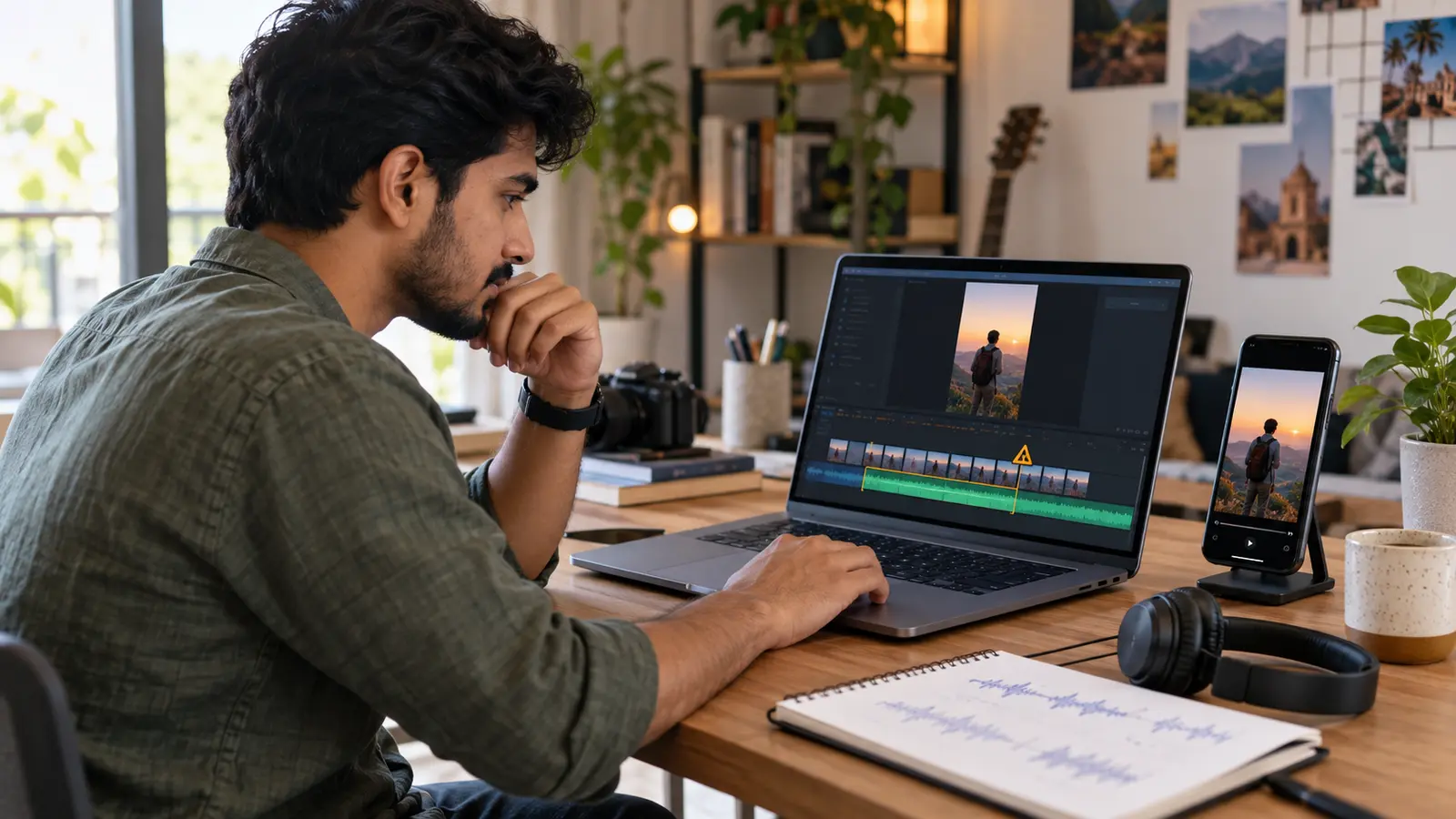
Cover: AI-generated illustration created for this guide; it does not reproduce the YouTube Studio interface or depict a real copyright case.
YouTube changed an important rule for longer Shorts on 24 September 2026. A newly uploaded Short longer than one minute but under three minutes that receives an active Content ID claim is no longer automatically blocked in every case; YouTube says it may remain playable. That wording matters. A claim can still affect availability or monetisation, and some videos can still be blocked.
For Indian creators making explainers, mini-vlogs, tutorials and product demos, the practical lesson is not “copyrighted music is now safe.” It is: check the source of every track, understand the claim shown in Studio and keep a clean replacement workflow.
What changed on 24 September 2026
YouTube's current three-minute Shorts help page says that new Shorts over one minute and under three minutes with an active Content ID claim are no longer automatically blocked and may remain playable. If a Short is blocked, YouTube says the creator can remove the claimed material or dispute a claim believed to be wrong. Once the claim is resolved, the Short can be viewable and eligible for monetisation.
There was no corresponding change for Shorts shorter than one minute. The update also does not turn an unlicensed song into licensed material, cancel a claim, promise monetisation or prevent a rights holder from applying restrictions.
The safest reading is therefore:
Previously: an active claim on a new one-to-three-minute Short triggered automatic blocking under the older rule.
Planning Shorts content?
Estimate Shorts earnings by views, country and RPM.
Now: an active claim does not always cause that automatic block; the Short may stay playable.
Still true: the claim and its policy can affect the video, and a globally blocked Short cannot earn through the Shorts revenue-sharing model.
Which uploads count as three-minute Shorts?
For a standard YouTube channel, a square or vertical video uploaded on or after 15 October 2024 and lasting up to three minutes is categorised as a Short. YouTube says such videos can participate in Shorts Feed monetisation when the channel and video meet the applicable requirements.
Official Artist Channels and channels linked to a music Content Owner have different historical cut-off rules. If you manage an artist channel through a label or distributor, do not assume the standard-channel workflow applies unchanged.
If you deliberately want a video treated as long-form rather than a Short, YouTube advises using a wider format such as 16:9. Aspect ratio is therefore a publishing decision, not just a crop decision.
“May remain playable” is not permission to use any song
A Content ID claim is an automated rights-management result. It is different from a copyright strike. The owner may choose policies that monetise, track or block a matched video, sometimes by territory.
Do not read the new rule as permission to download a trending song from another platform, place it under a 90-second montage and publish it without checking rights. Giving credit, owning a copy of a song or choosing not to monetise are not, by themselves, valid reasons to dispute a claim. YouTube's claim-dispute guidance specifically warns creators about those misconceptions.
Use music through an authorised route:
Add a track from the Shorts Audio Library using YouTube's creation tools and respect the duration shown for that track.
Use royalty-free tracks from the YouTube Audio Library under the displayed terms.
Use music you created and control.
Use properly licensed music whose licence covers YouTube, commercial use when relevant, and the intended territory.
Keep the invoice, licence page, download record and track filename together. A licence is much easier to verify when the evidence is organised before a claim appears.
Music duration is not automatically three minutes
YouTube says most songs available in the Shorts Audio Library can be used for up to 90 seconds in a three-minute Short, while some are limited to 60 or 30 seconds. The creation tool shows how much of a selected track is available.
That means a three-minute Short does not automatically give you three minutes of any commercial song. If your story lasts 2:20, you might use an authorised song for the allowed section and original voice, room tone, sound effects or Audio Library music for the rest.
For example, a Tamil cooking creator could structure a 2:10 recipe Short like this:
Five-second original spoken hook.
Forty-five seconds of authorised in-app music under preparation shots.
Sixty seconds of clean voice-over for the cooking steps.
Twenty seconds of original kitchen sound and final reveal.
The exact allowance depends on the track shown inside YouTube's tool. Do not copy a duration from another creator's video.
A pre-upload audio check for editors
Before exporting, create a simple music ledger. It can be a spreadsheet or a note beside the project:
00:00–00:08 — Original voice: recorded by the creator; keep.
00:08–00:48 — Licensed track: save the invoice and licence URL; verify territory.
00:48–01:35 — Voice and effects: original recording; keep.
01:35–02:05 — YouTube Audio Library: save the download record and include attribution if required.
Then review the export with music temporarily muted. Confirm that the narrative still works and that important information is not hidden inside lyrics or sound effects. This makes replacement far easier if a track causes a claim.
Keep dialogue, music and effects on separate tracks in your editor. A flattened mix gives you fewer repair options later.
What to check after uploading
Do not judge the result only from whether the Short opens on your own phone. Open YouTube Studio and inspect the video's restriction details.
Check:
Whether YouTube identifies a Content ID claim or a copyright strike.
The exact matched segment and claimant.
Whether the video is playable everywhere, blocked in some territories or blocked globally.
Whether the claimant is monetising or tracking it.
Whether your licence genuinely covers that use.
A playable video can still have a claim. Conversely, a block does not mean you should automatically dispute it. The correct response depends on your rights and the details shown in Studio.
Remove the claimed audio without re-uploading
YouTube's official removal guide lists three Studio Editor options that may clear a Content ID claim:
Trim out segment: remove the part containing the claimed material.
Replace song: swap claimed music for a track from the YouTube Audio Library when the option is available.
Erase song: attempt to remove the song, or mute all audio in the claimed section.
Preview carefully before saving. YouTube warns that Studio Editor changes saved from June 2025 onward cannot be reverted through “Revert to original.” Download or retain your clean master before making a destructive online edit.
If a song is mixed under speech, “erase song” may not separate it cleanly. In a professional workflow, returning to the original edit, replacing the music and exporting a new master may protect dialogue quality better—even if that requires a new upload.
Dispute only when you have a valid basis
You may dispute a Content ID claim when you have the necessary rights, believe the match is an error, or have a genuine copyright-exception basis. YouTube says the claimant is notified and normally has up to 30 days to respond.
Do not submit a dispute simply because:
You credited the artist.
You bought the song for personal listening.
You used only a few seconds.
You turned off monetisation.
Other channels appear to use the same audio.
A rejected dispute can remain on the video, and further escalation has additional consequences. When the rights position is unclear or commercially important, get qualified legal advice rather than copying a dispute template.
Plan captions separately from music rights
Captions improve comprehension, especially when a Short mixes Hindi, English or a regional language. They do not make copied video or music original, and they do not clear copyright.
Use KuchhBhi's AI Caption Generator to draft promotional caption ideas, then rewrite them for the actual Short and verify names, claims and calls to action. It is a writing aid, not a copyright checker or subtitle generator.
For title and description length, the YouTube Shorts character-count workflow offers a separate publishing checklist. Keep rights decisions, accessibility and metadata as three distinct checks.
A safer two-minute Shorts workflow
For a creator editing a 2:15 product tutorial:
Record original dialogue and product sounds.
Choose music from the Shorts creation tool, YouTube Audio Library or a suitable paid licence.
Confirm the allowed music duration and territory before the final cut.
Keep voice, music and effects separated in the timeline.
Export a clean master without third-party music as a backup.
Upload the intended version and review Studio restrictions.
If claimed, verify the claimant and licence before choosing removal or dispute.
Keep screenshots and licence evidence with the project archive.
This workflow takes longer than grabbing a trending track, but it protects the edit, the client relationship and future monetisation.
Limitations and common misunderstandings
The 24 September change applies to new Shorts over one minute and under three minutes. It does not guarantee that every claimed Short remains available. It does not change copyright ownership, erase regional blocks or make every claimed video eligible for earnings.
YouTube documentation can also change as enforcement systems evolve. Check the restriction notice in Studio and the current Help page at the time of upload, especially for label-managed channels.
Frequently asked questions
Can I now use copyrighted music in a two-minute Short?
Only when you have permission or use it through an authorised YouTube music route within its displayed limits. The new rule changes automatic blocking behaviour; it does not grant music rights.
Will a Content ID claim become a copyright strike?
A claim and a strike are different. A valid copyright removal request can remove a video and create a strike, so do not treat disputes or appeals casually.
Can a claimed Short still earn money?
It depends on the claim and monetisation rules. YouTube states that a globally blocked Short is not eligible for monetisation. Resolve the claim and check Studio rather than assuming playability equals earnings.
How much music can I use in a three-minute Short?
YouTube says most Shorts Audio Library songs allow up to 90 seconds, while some allow 60 or 30 seconds. The creation tool shows the limit for the chosen track.
Does adding voice-over prevent a claim?
No. Commentary can change the creative value of a Short, but Content ID may still recognise protected audio. Rights and exceptions are fact-specific.
Should I dispute every incorrect-looking claim?
No. First verify your source, licence and the matched segment. Dispute only when you have a valid basis and can support it.
Bottom line
The September 2026 update gives some longer Shorts a better chance of remaining playable when Content ID finds a match, but it is not a free-music rule. Use authorised audio, retain proof, keep an editable clean master and read the exact restriction in Studio. That is the difference between reacting to a claim and managing it professionally.