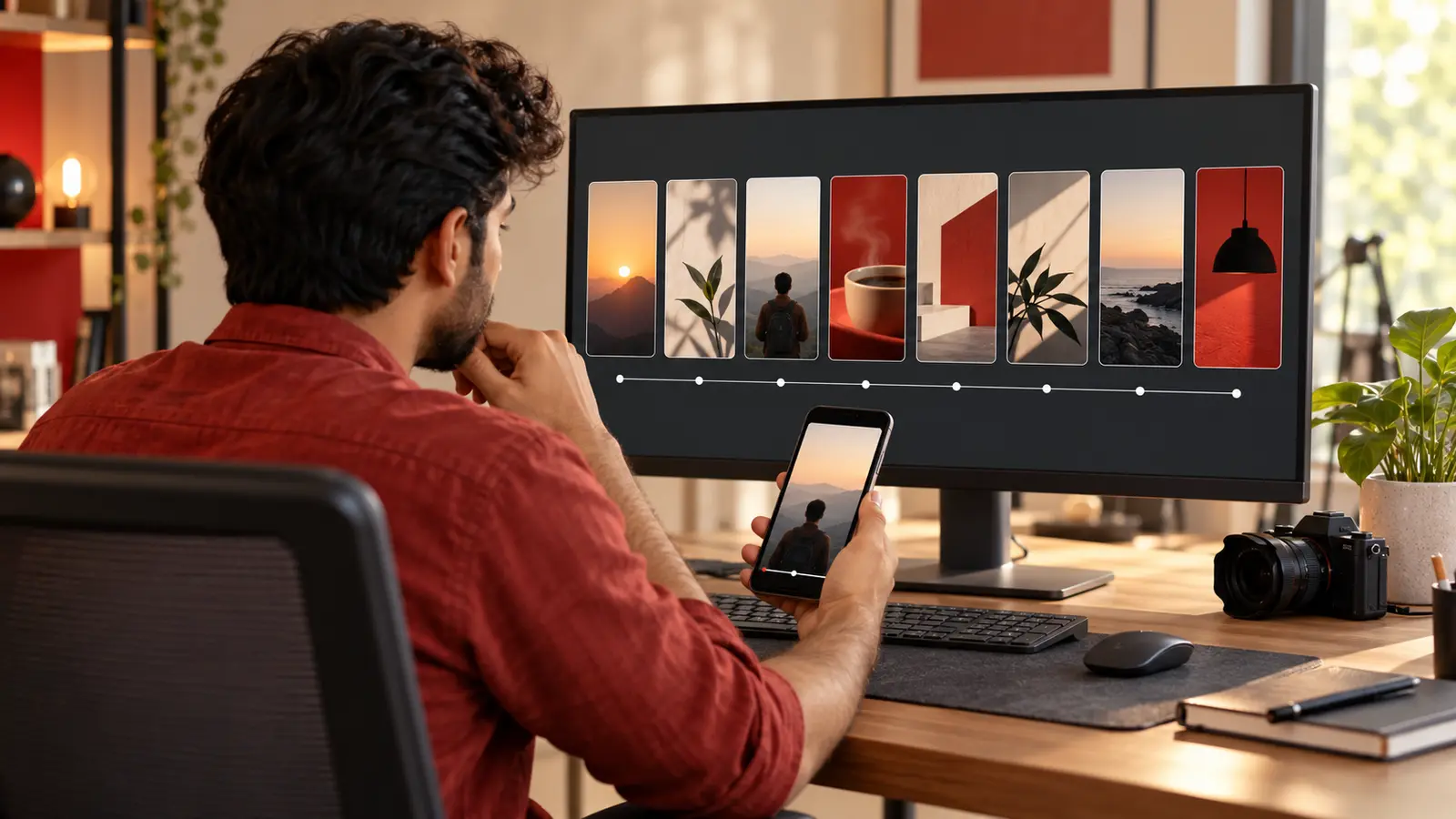
AI-generated editorial illustration of a fictional creator planning an episodic video series.
YouTube has started rolling out Shorts series, a feature that lets creators organise Shorts into seasons and episodes. Announced on 23 September 2026, it adds sequential playback and works across web, mobile and TV. For creators who have relied on “Part 1”, “Part 2” and pinned comments, this is a meaningful format change—not a promise that every series will automatically receive more views.
YouTube says the rollout begins with creators in the YouTube Partner Program. If the option is not visible in your account yet, you can still plan and publish a coherent multi-part story now, then organise it when access arrives.
This guide shows how to design an episodic Shorts format, write captions that make sense to both new and returning viewers, and preview a consistent thumbnail system using released KuchhBhi tools.
What YouTube announced
In its official 23 September announcement, YouTube said Shorts series can structure videos into seasons and episodes, with sequential playback and custom thumbnails. The company also reported that microdramas exceeded 6.5 billion views in the first half of 2026, while their watch time grew by more than 50% year over year. TV views of microdramas grew by more than 90% year over year.
Those figures describe platform-wide viewing, not a result an individual channel can expect. The useful signal is that YouTube is building navigation specifically for episodic short-form video and for viewing beyond the phone.
Custom Shorts thumbnails are part of the same direction. YouTube's 24 July thumbnail update says Partner Program creators can upload custom thumbnails for Shorts, with expansion to more creators over time. Availability can therefore differ by channel and region.
Planning Shorts content?
Estimate Shorts earnings by views, country and RPM.
Start with a repeatable promise, not ten random parts
A series needs a reason to continue. Write one sentence that defines what every episode delivers:
In each episode, a small home baker solves one real order problem in under a minute.
That promise is stronger than “daily business tips” because it names the person, situation and outcome. Other useful structures include:
a continuing story with a clear problem and resolution;
one transformation shown in stages;
a challenge with a measurable daily checkpoint;
a tutorial broken into necessary steps; or
a recurring question answered with a new example each time.
Do not split one complete idea into many thin clips only to manufacture suspense. Each episode should reward the viewer while also opening a natural reason to watch the next one.
Plan a short first season
Begin with three to five episodes. A short season is easier to finish, review and improve than a 30-part commitment.
Here is a five-episode example for a bilingual Indian creator teaching smartphone product photography:
| Episode | Immediate value | Continuing thread |
|---|---|---|
| 1 | Choose a bright window | Set up one product shot |
| 2 | Make a white-card reflector | Improve the same shot |
| 3 | Lock focus and exposure | Prevent brightness jumps |
| 4 | Pick a clean background | Build visual consistency |
| 5 | Edit and compare the result | Reveal the final before/after |
For every episode, note four things before filming:
the first-frame action;
the question answered in this episode;
the visual connection to the previous episode; and
the precise reason to continue.
This avoids a common failure: using “Part 2” as the hook without reminding a new viewer what the series is about.
Make every episode understandable on its own
Sequential playback may help viewers continue, but any episode can still be someone's first encounter with your work. Use a compact three-part opening:
Context: “We are fixing a dark product photo using only window light.”
Episode value: “Today, place a white card opposite the window.”
Action: Show the change immediately.
Avoid a long recap. A visual callback, one sentence or a brief on-screen label is usually enough. If the viewer needs the entire previous episode to understand the current one, the opening should tell them exactly where to start.
Write captions for discovery and continuity
Open the KuchhBhi AI Caption Generator and describe the actual episode, audience and tone. Treat the output as a draft: check every claim, name, number and disclosure before publishing.
A useful caption pattern is:
Window-light product photos, episode 2: use a white card to lift the shadow side. No reflector? Try clean white chart paper. Episode 1 covers window placement; episode 3 will show focus and exposure lock.
This works better than a wall of generic hashtags because it explains the episode's value and position in the series. For a multilingual audience, use the language spoken in the video or the language your intended viewer can read comfortably. A natural Hinglish caption is fine when it matches the audience; English is not compulsory.
Keep the series label stable, but put the useful topic before or beside the episode number. “Fix Harsh Product Shadows | Episode 2” tells a new viewer more than “Episode 2 is here”.
Build a thumbnail system, not identical thumbnails
YouTube's update connects Shorts series with custom thumbnails, so plan the set as a family. Consistency should come from composition, colour and subject—not from filling the image with episode text.
Try this system:
keep the product in the same central area;
use one restrained accent colour across the season;
change the action or result in every episode;
use no text when the image already explains the moment; and
if text is necessary, use a short phrase that remains legible on a small screen.
Test each concept in the KuchhBhi Thumbnail Text Previewer. Check the mobile and desktop simulations and the contrast score, then remove any words that repeat the title. The preview is a drafting aid, not a prediction of click-through rate.
Until the Shorts series control appears in your account, use ordinary navigation carefully:
give the season one consistent name;
add the episode number after the useful topic;
link or name the relevant previous episode where YouTube allows it;
place all episodes in one clearly named playlist when appropriate; and
avoid saying “link in bio” when no usable link exists.
After publishing, check the sequence from a signed-out or viewer account. Confirm that a viewer can identify the beginning, understand the order and find the next relevant part.
Measure the season, not just the biggest episode
One viral episode can hide a weak series. Review the set after the first season:
Do later episodes retain returning viewers?
Which opening loses people before the value appears?
Do viewers ask for the next step or repeat the same confusion?
Can episode 3 attract someone who never saw episodes 1 and 2?
Does the final episode deliver the result promised at the start?
Use YouTube Studio's available audience and retention data rather than guessing from likes alone. YouTube also announced new Studio feedback and research tools on 23 September 2026, but several announced features are rolling out or coming later. Do not describe them as available in every account.
A practical publishing checklist
Before episode 1:
Define the season promise and ending.
Outline three to five complete episodes.
Choose a repeatable visual style.
Decide the language and accessibility approach.
Film enough connecting shots to make continuity clear.
Before each upload:
Deliver the episode value in the opening seconds.
Verify the title, caption, credits and disclosures.
Check that episode numbering is correct.
Preview the thumbnail at phone size.
Add accurate subtitles when possible and review auto-captions.
Confirm that the previous/next navigation is truthful.
After the season:
Correct broken links or numbering.
Compare performance at a similar age, not immediately after upload.
Record audience questions for a possible second season.
Stop the format if the promise is exhausted; do not stretch it for volume.
Limitations to remember
Shorts series is rolling out, so access is not universal. YouTube's announcement specifically identifies creators in the Partner Program for the initial rollout. Custom thumbnail access can also vary.
Neither episode labels nor consistent covers guarantee sequential viewing. A strong story, clear standalone value and accurate packaging still matter. KuchhBhi's caption and thumbnail tools do not connect to your YouTube account, publish videos, access analytics or predict reach.
If you use AI-generated footage, synthetic voices or altered realistic scenes, follow YouTube's current disclosure rules. If the series contains paid promotion, use the platform's controls and make required disclosures clearly.
Frequently asked questions
What is YouTube Shorts series?
It is a YouTube feature announced on 23 September 2026 that lets eligible creators organise Shorts into seasons and episodes, with sequential playback and custom thumbnails. The rollout covers web, mobile and TV.
Is Shorts series available to every creator?
No universal availability was promised. Google's India announcement says it is rolling out to creators in the YouTube Partner Program. Check your own YouTube Studio rather than relying on another channel's screenshots.
How many episodes should a first season have?
There is no official required number in the announcement. Three to five episodes is a manageable editorial test: long enough to establish a pattern, but short enough to finish and evaluate.
Should every episode use the same thumbnail?
No. Use a consistent visual system, but give each episode a distinct image that represents its actual value. Identical covers make the sequence harder to scan.
Can the KuchhBhi tools create a Shorts series inside YouTube?
No. The Caption Generator helps draft copy, and the Thumbnail Text Previewer helps inspect readability and contrast. You must review the output and organise or publish the series in YouTube Studio.
Does a Shorts series guarantee more views?
No. YouTube's platform-wide microdrama figures show rising interest in episodic viewing, not guaranteed results for an individual creator. Test a complete, useful season and judge it using your own audience data.
YouTube's new structure makes episodic Shorts easier to navigate. The sensible response is not to turn every idea into a series; it is to choose one repeatable promise, finish a short season and make every episode worthwhile even when it is the first one a viewer sees.