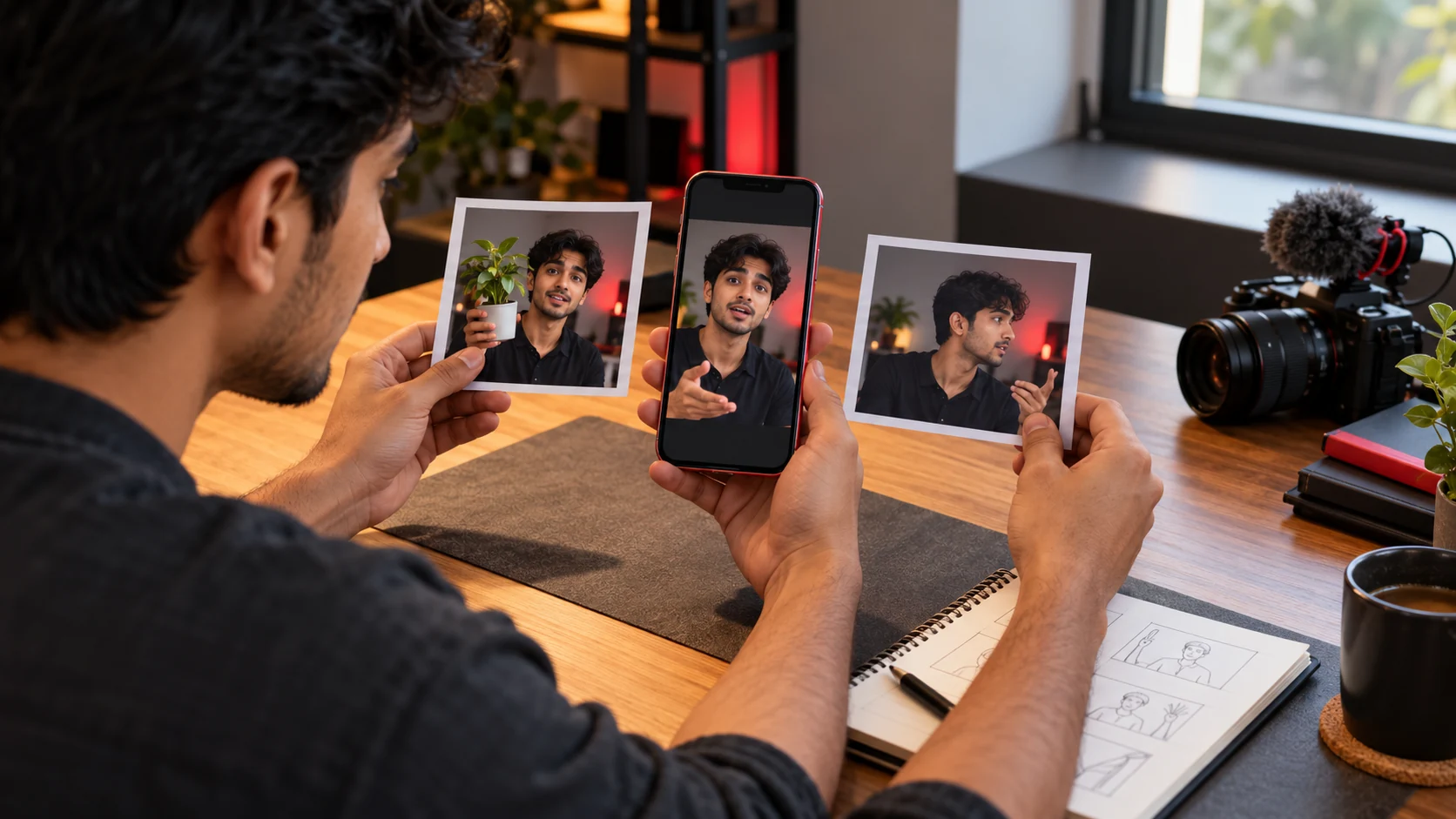
AI-generated editorial illustration of thumbnail planning; not a YouTube interface screenshot or a real creator session.
A useful Shorts thumbnail tells viewers what the video contains before they open it. It should not promise a scene, result or person that the Short never delivers.
YouTube's current Help Center says verified accounts can upload custom Shorts thumbnails in YouTube Studio on a computer. It recommends a 9:16 aspect ratio and notes that changes may take time to appear. This guide was checked on 4 October 2026 and is separate from YouTube dynamic thumbnails.
Start with the real promise
Write one sentence describing the Short: “Three ways to light a product with one window” or “How I pack one ceramic order safely.” Every cover option should represent that promise.
Choose a frame with a recognisable subject and action. Avoid an unrelated reaction face, unavailable price or result created only for the cover.
Capture three usable frames
Record three brief thumbnail moments while filming:
A clean view of the subject.
The clearest action.
The finished result.
Hold each moment steady to reduce blur. Keep faces, hands, products and short text away from extreme edges. For multilingual videos, verify every word with a fluent reader rather than trusting an unreviewed translation.
Preview with KuchhBhi
Planning Shorts content?
Estimate Shorts earnings by views, country and RPM.
Open the KuchhBhi Thumbnail Previewer and upload an image you own or are licensed to use. The released tool lets you add short overlay text, adjust its size and vertical position, choose text and outline colours, switch between desktop and vertical mobile previews, and download the composition as PNG.
Use mobile preview to check the narrow frame, then desktop to see whether the composition stays balanced. The displayed “contrast,” “readability” and engagement-tip cards are static interface guidance—not measurements of your upload and not evidence of performance. Judge the actual image yourself on a small phone screen.
Five checks before export
Truth
Does this moment occur in the Short? The video must fulfil the cover's promise.
Recognition
Can someone identify the subject at small size? Remove decorations that compete with it.
Separation
Use lighting, colour or depth to separate subject and background. A heavy outline cannot rescue clutter.
Safe composition
Keep essential details central. Check both vertical and wider previews because surfaces may present media differently.
Language
Use natural wording for the intended audience. Short text is optional; a clear action may work better without words.
Upload through YouTube Studio
KuchhBhi's download is a visual draft. Confirm its dimensions and quality before upload; a low-resolution background cannot gain missing detail through export.
YouTube's official current steps are:
Sign in to YouTube Studio on a computer.
Open Content and select Shorts.
Edit the Short.
Under Thumbnail, upload the image.
Save and allow time for the change to appear.
The Help Center says this requires a verified account. Interface availability can change, so check your own Studio.
Test honestly
Do not claim a guaranteed click-through or viral result. Topic, audience, traffic source and viewer satisfaction all matter. If comparing alternatives, change one main idea at a time and record where and when it ran.
For a pottery-packing Short, try: finished mug with materials; hands adding protection; sealed parcel with the mug visible behind it. Avoid a broken mug if nothing breaks. “PACK IT SAFE” could be an optional phrase, but the scene may already explain the benefit.
Frequently asked questions
Can I upload a custom Shorts thumbnail?
YouTube currently says verified accounts can do so through Studio on a computer.
What ratio should I prepare?
YouTube recommends 9:16 for uploaded Shorts thumbnails. Keep the key subject central.
Does KuchhBhi upload it to YouTube?
No. It previews and downloads an image; you inspect and upload it through your account.
Does the tool's score prove accessibility?
No. Its score cards are static guidance. Check actual contrast, size and clarity yourself.